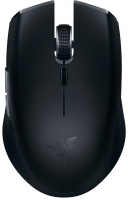
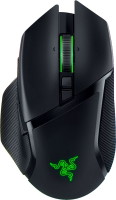
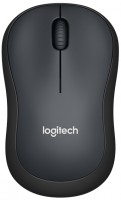
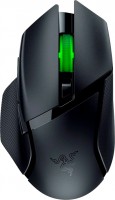
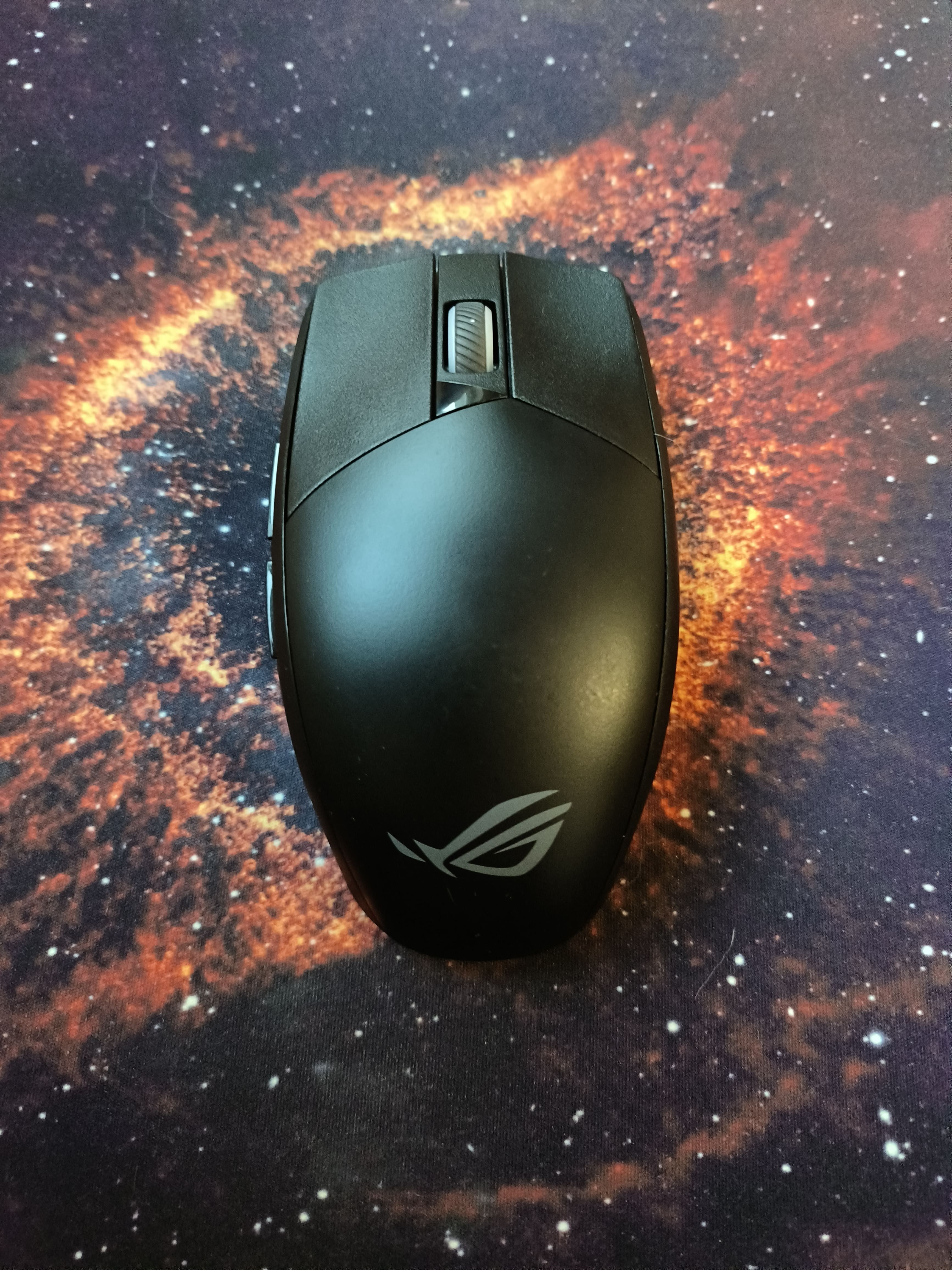
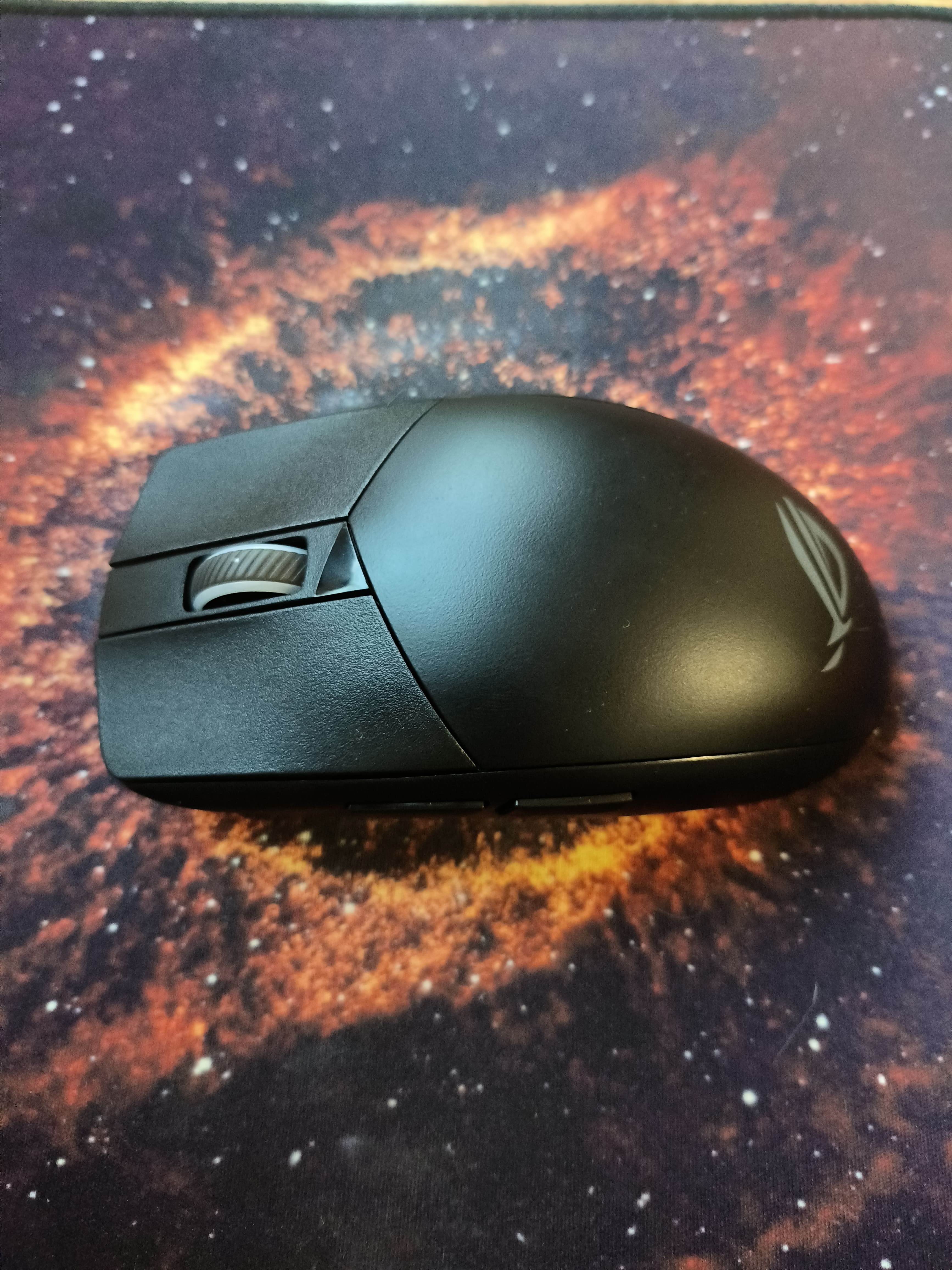
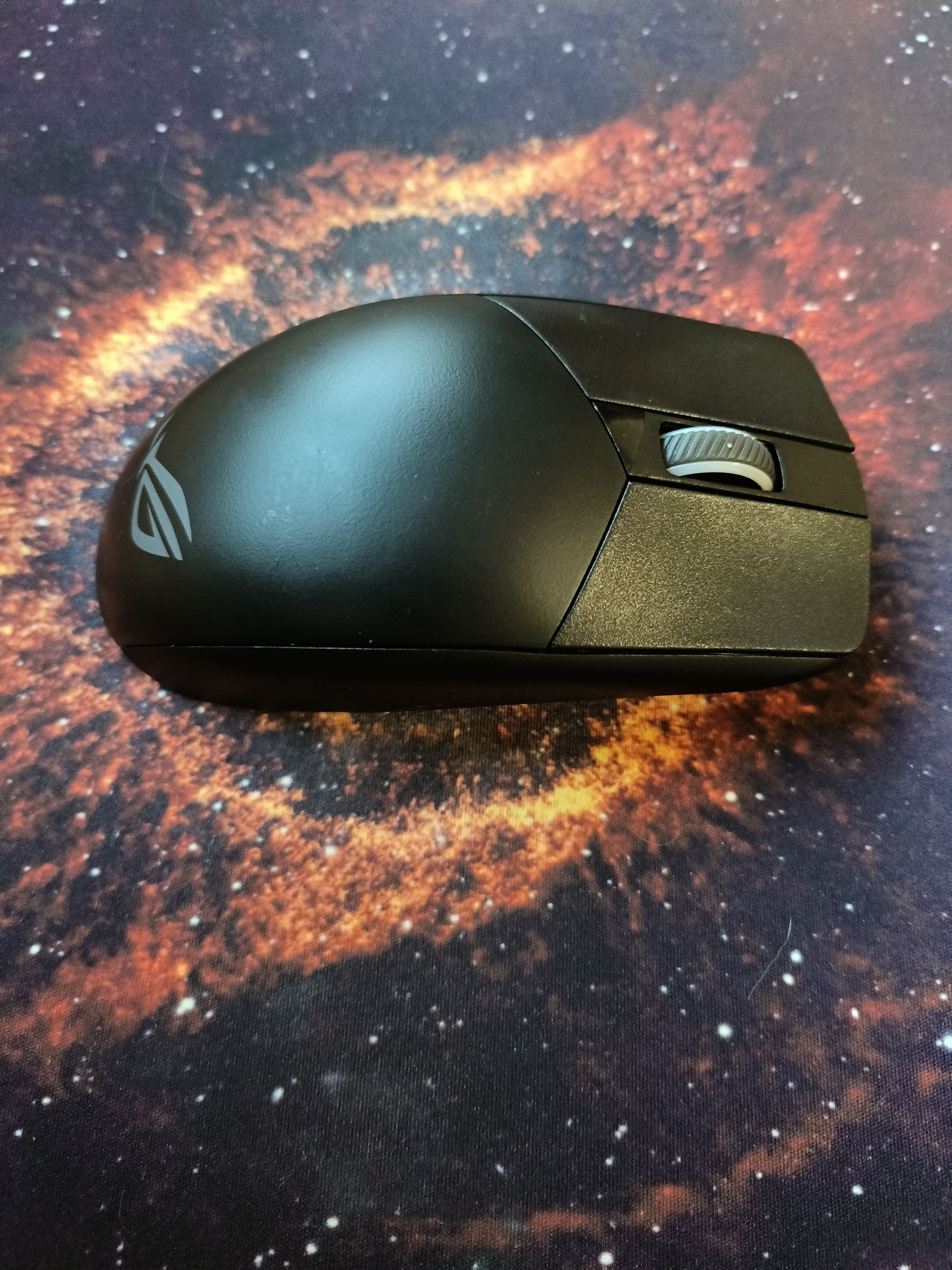
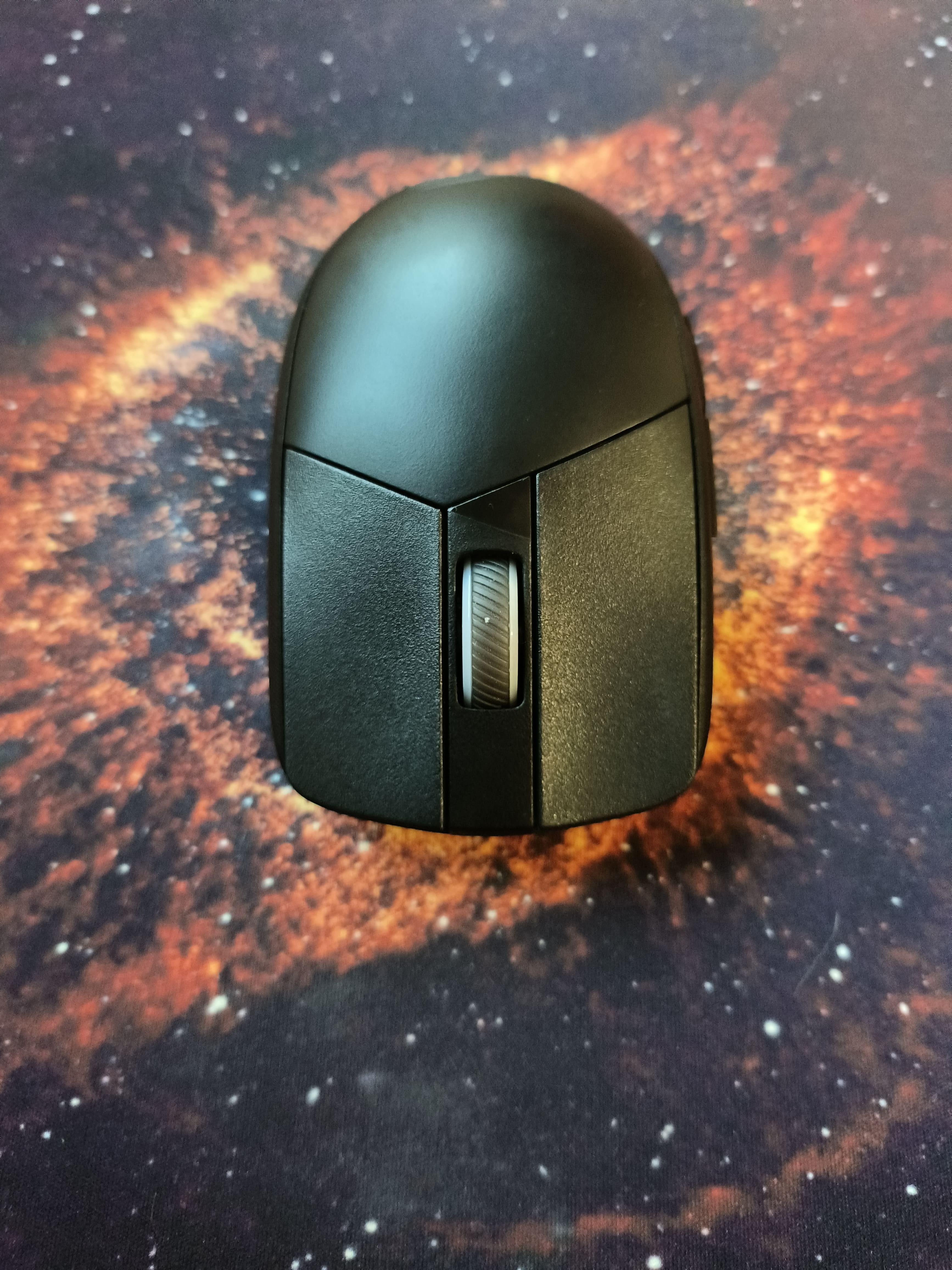
Asus ROG Strix Impact III Wireless
 |

Asus ROG Strix Impact III Wireless | |||||||||||||||||||||||||||||||||||||||||||||||||||||||||||||||||||||||||||||||||||||||||
|
| ||||||||||||||||||||||||||||||||||||||||||||||||||||||||||||||||||||||||||||||||||||||||


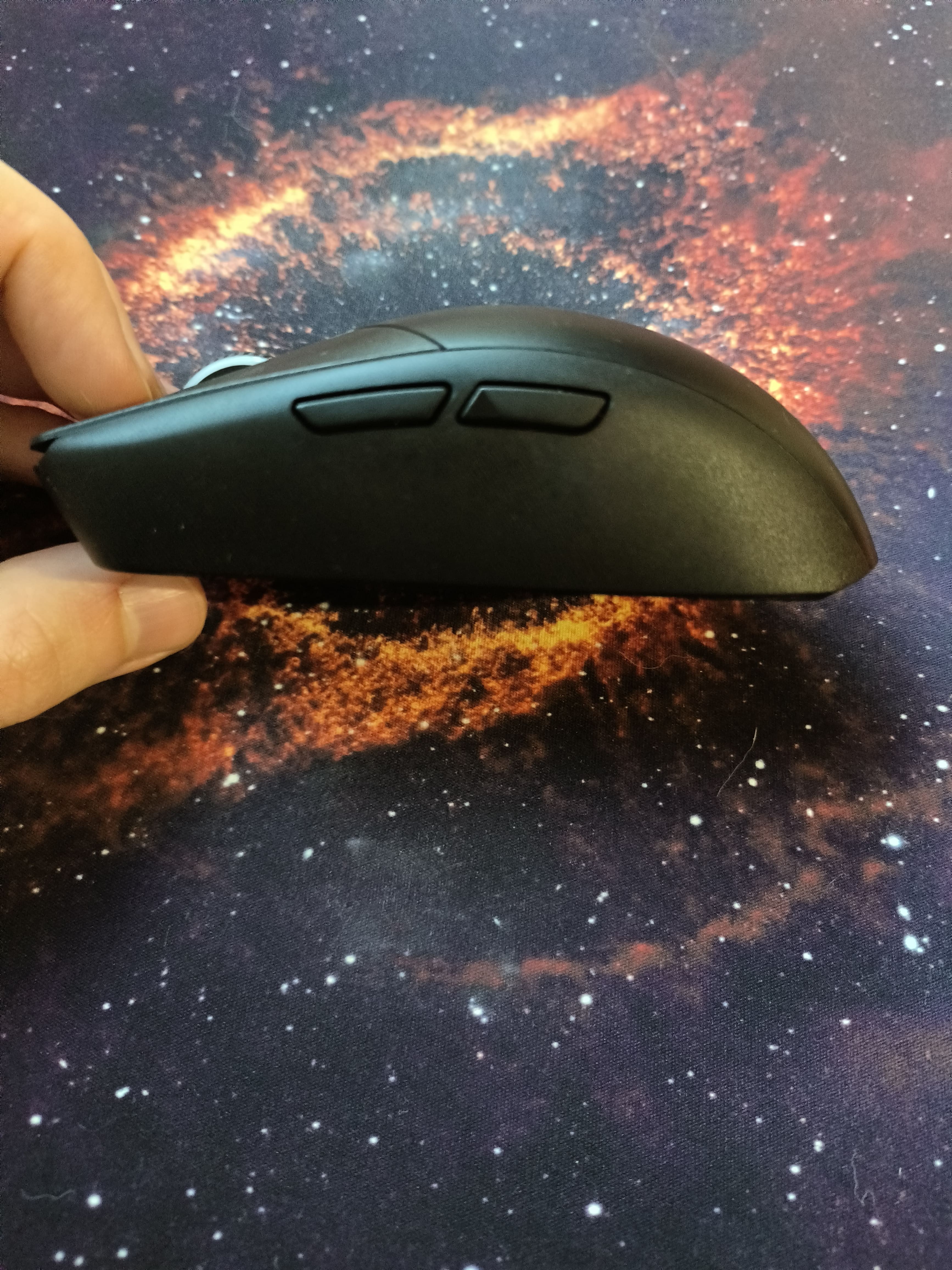
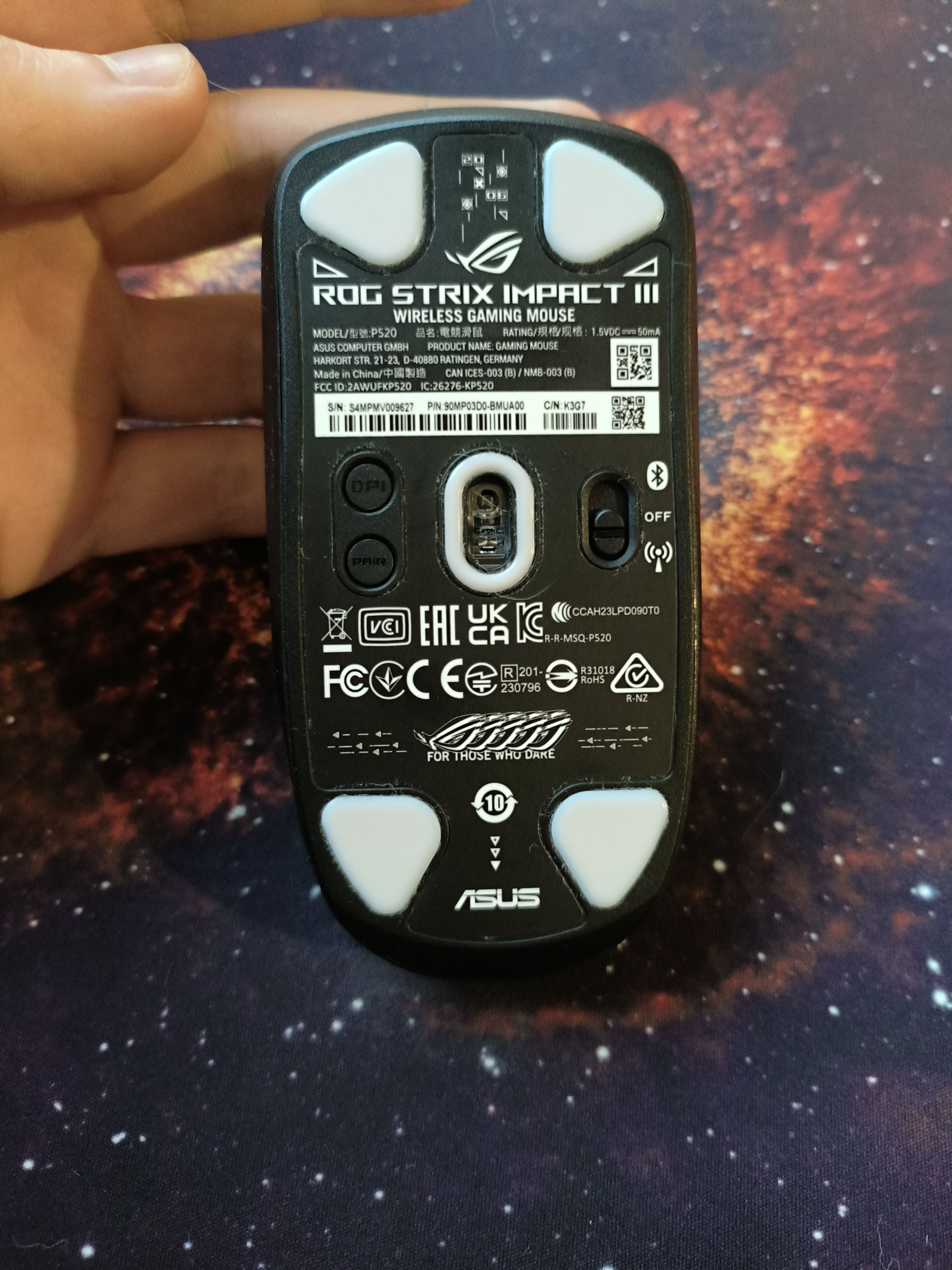
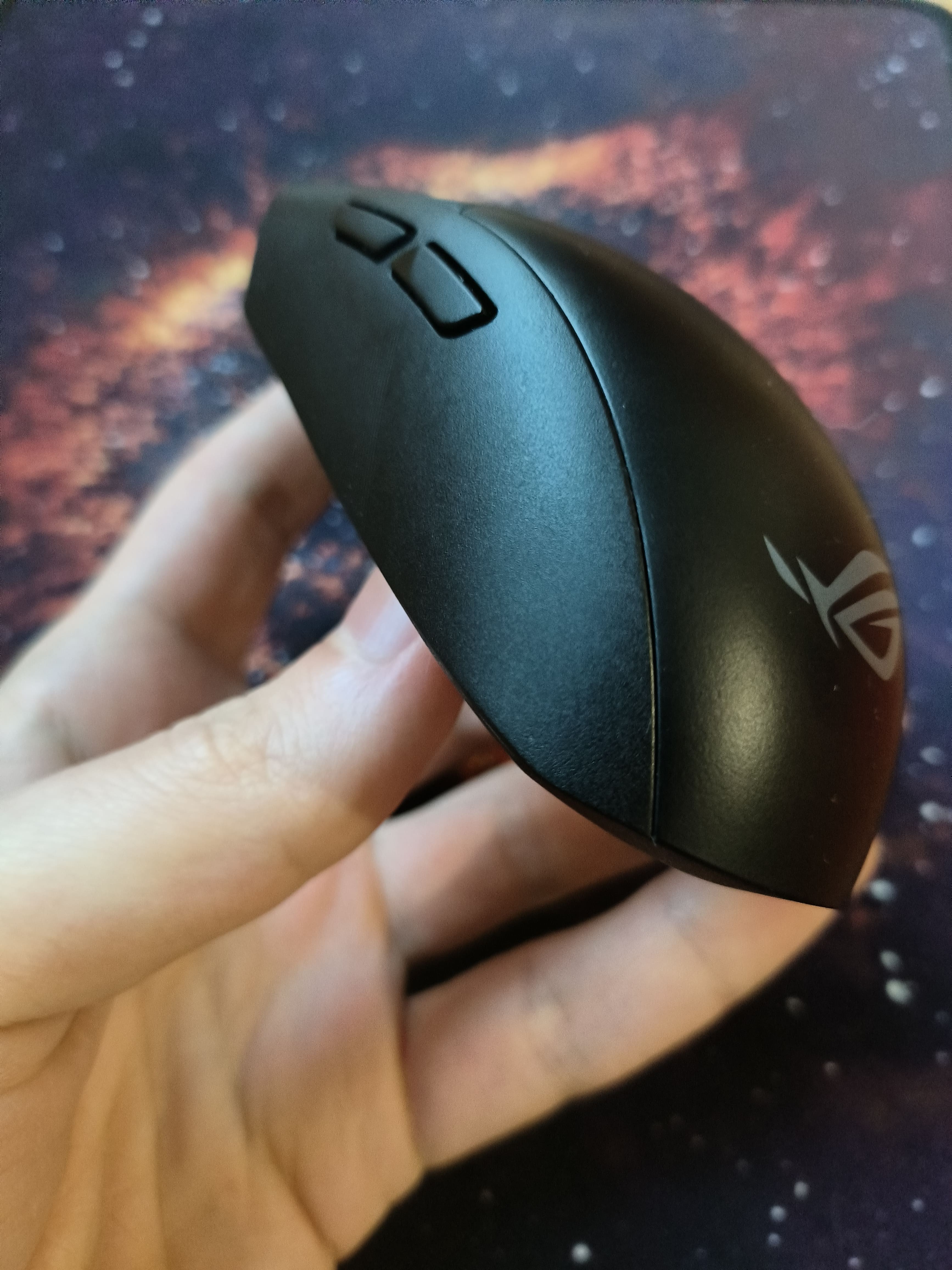
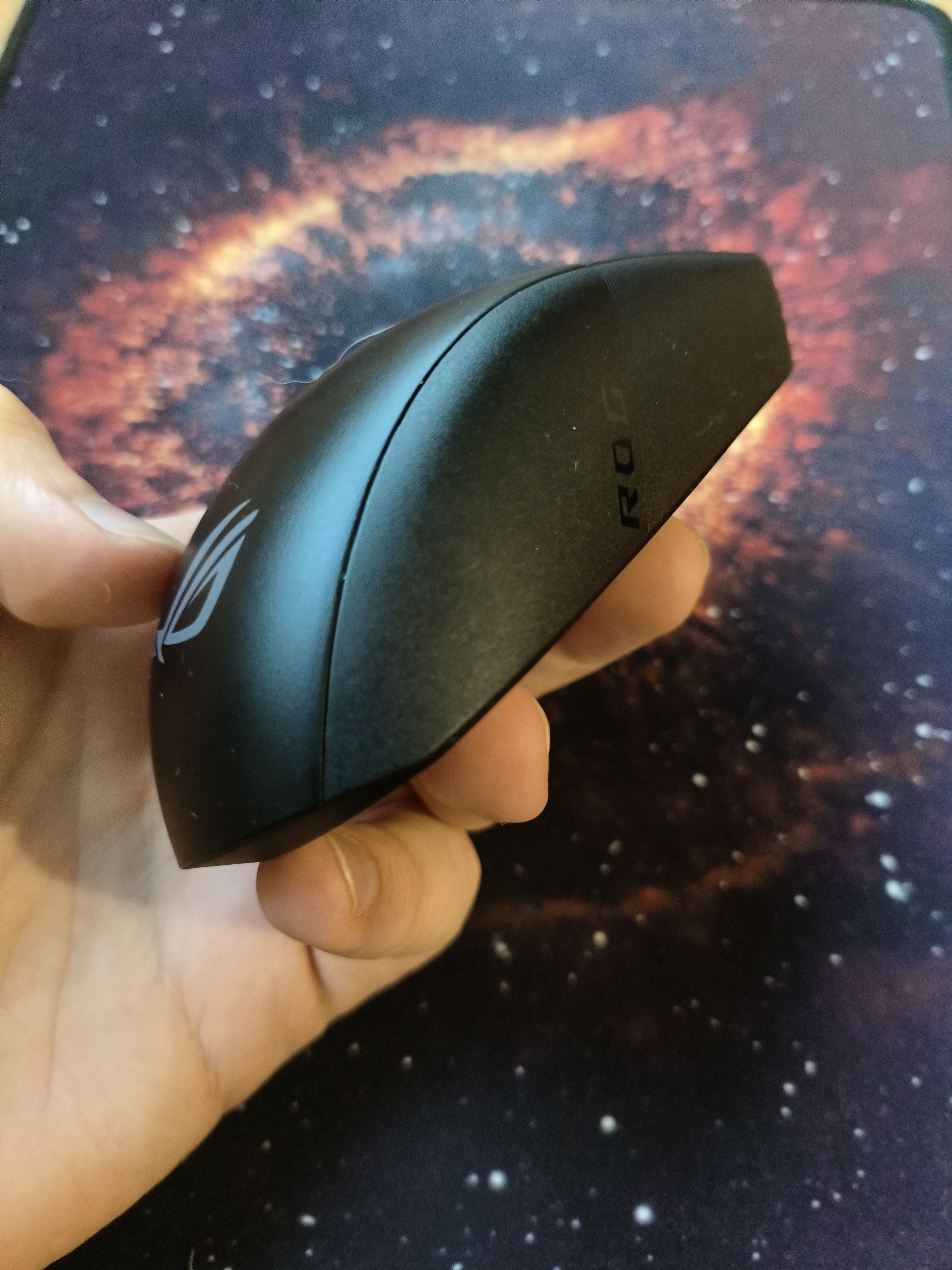
A lightweight, symmetrical, high-speed wireless gaming mouse with a high-quality optical sensor, high USB polling rate, durable proprietary ROG 70M Mechanical Switch switches (up to 70 million clicks), support for Multi-Device technology for simultaneous connection to multiple devices and Asus Aura Sync controlled RGB LED backlighting. It belongs to the popular Asus Republic Of Gamers line of gaming devices and is positioned as a mid-price model aimed at hardcore gamers and novice eSports players.
Thanks to its excellent ergonomics and symmetrical design, it will be of interest to left-handed gamers. Its weight of 57 g is almost imperceptible and is well balanced along the axes of symmetry. The Asus ROG Strix Impact III Wireless mouse body is suitable for any type of grip, it is especially comfortable for finger and claw. Two wireless connection options are supported: Bluetooth 5.1 and a 2.4 GHz radio channel (no-jamming, zero-latency connection using ROG SpeedNova technology). The mouse is equipped with infrared illumination and a high-quality, high-resolution optical sensor PixArt PAW3395, which provides extremely precise positioning even at extreme accelerations (up to 50G) and high speeds (up to 16.5 m/s). A unique feature of this mouse is the ability to independently replace the switches and side buttons.

Always clarify the specifications and configuration of the product with the online store manager before purchasing.
Catalog Asus 2026 - new arrivals, bestsellers, and the most relevant models Asus.


Buy Asus ROG Strix Impact III Wireless
All prices 21 →Asus ASUS ROG Strix Impact III Wireless Gaming Mouse, 57 G Lightweight Black 90MP03D0-BMUA00 | £47.99 |  | |||
ASUS ROG Strix Impact III Wireless Gaming Mouse - Black 4711387278161 | £49.99 |  | |||
Asus 90MP03D0-BMUA00 | £51.99 |  | |||
| £67.99 |  | ||||
| £67.99 | | ||||




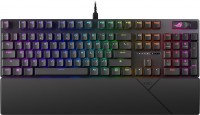
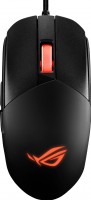

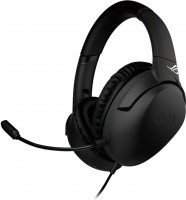


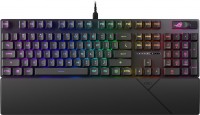
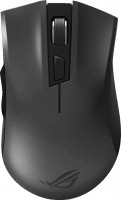





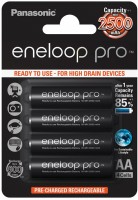












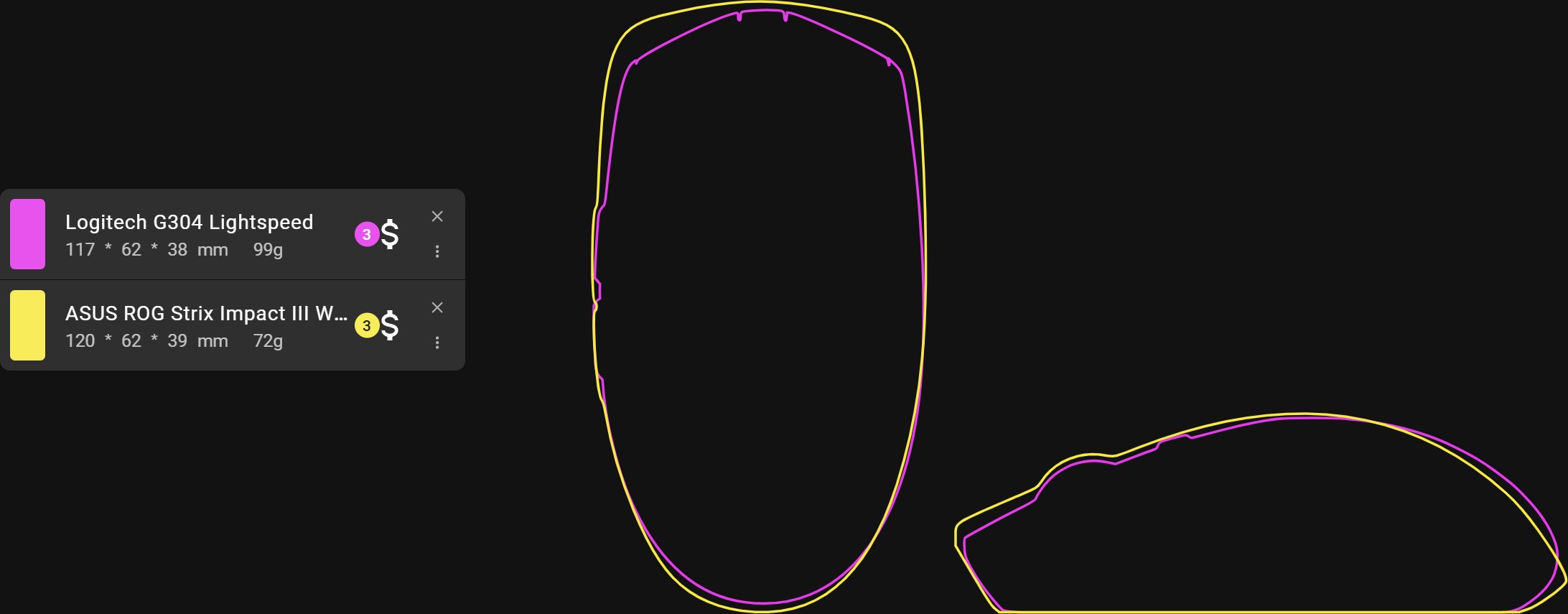
Overall, the mouse creates a pleasant impression. The assembly is of high quality, nothing rattles or creaks, the plastic feels sturdy, and it doesn't bend at all (if you shake it, there is a minimal sound, but in use, you will never hear it). Now about the main thing — the shape. The mouse is egg-shaped, quite popular, but I haven't used anything like it before. I will share my impressions and nuances. First, the side parts have no curves for the fingers (they are slightly slanted downwards, but overall straight). On one side, you can hold it wherever you want, but on the other, it caused me a bit more strain on my fingers. And secondly, there is no extension at the back, which gives a lot of space inside the palm, but at the same time, there is no support for the hand, and the mouse can "flop around" (again, it requires more effort from the fingers). As a result, I couldn't sit with it for long, although I got used to holding it with my fingers. I also want to compare it with the popular Logitech G304/G305. I will say right away, I haven't used it. But overall, the shape is practically the same (screenshot), while you get a significantly lighter mouse, Bluetooth, hot-swap, a more modern sensor with better battery life for a minimal extra charge. Connection. My computer is under the desk on the opposite side of the mouse, and when connected to the rear USB — the signal is interrupted very often. This doesn't mean that everything is bad; it's normal behavior, just keep that in mind. Therefore, you can often find adapters to place the receiver on the desk, which is not included here. I connected it via USB in the monitor, and everything worked perfectly. + Bluetooth availability. Not everyone needs it, but if you have a desktop and a laptop, it can be useful. It's a shame that so many mice are released without it + Pleasant materials and quality assembly + Sensor with top parameters (although all modern sensors are more than sufficient) + Hot-swap. The only nuance is that the wheel encoder is not so easy to replace, but at least you don't have to worry too much about the buttons + Lightweight. Yes, with a battery it will be a bit heavier, but still light + AAA / AA adapter included + In my opinion, this is an improved version of the Logitech G304/G305, pay attention if you are looking for its equivalent – The receiver adapter is not included in the package. – There is no built-in battery. Whether this is a serious drawback is up to you to decide; for me, it’s not a big deal. The autonomy will be simply incredible; you won’t need to charge the mouse with a cable at work if you forget to do it in advance, just replace the battery and then charge the one that has run out at your convenience. If the capacity is lost, you can always buy a new one. But still, these are additional elements, so you decide for yourself.  Dmytro Prokopenko: use Asus ROG Strix Impact III Wireless less than month Dmytro Prokopenko: use Asus ROG Strix Impact III Wireless less than month |


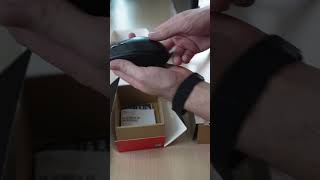


Professional Gamer's Kit
The Asus ROG Strix Impact III Wireless computer mouse stands out for its high tracking accuracy and wide functionality. It is based on the ROG AimPoint sensor, which supports a resolution of up to 36,000 DPI, movement at a speed of 650 ips and acceleration of 50 G. The user can customize the settings to their preferences for maximum convenience and efficiency in games. There are two ways to do this: key combinations on the mouse itself or settings through the Crate Gear application, which provides more options. The design uses ROG 70M mechanical microswitches with an improved gap-free layout, which provides an instant response to pressing. Their resource is 70 million clicks, and Hot Swap technology allows you to easily replace them without soldering.
One stop pleasure center
The mouse supports simultaneous connection to several devices. Bluetooth is a universal option, and for cyber athletes, there is the option of using a radio channel. In this mode, the wireless connection is carried out via the ROG Omni receiver, which, in combination with SpeedNova technology, eliminates delays in signal transmission. The receiver also allows you to connect a mouse and keyboard at the same time. An unusual solution is implemented in the power supply system: the top cover is attached with magnets, and both AA and AAA batteries can be used as a power source. The kit includes an adapter for convenient selection. In the best traditions of the ROG ecosystem, the mouse is equipped with Asus Aura Sync backlighting, which can be synchronized with other company equipment via Armoury Crate software.