
TP-LINK TL-WR542G
 | Outdated Product Device: router; WAN port: Ethernet (RJ45); Wi-Fi standards: Wi-Fi 3 (802.11g); 2.4GHz; WAN: LAN: LAN ports: 4 ports; LAN port speed: 100 Mbps; Antenna: external; Indoors range (m): 100; Transmitter power (dBm): 17; NAT; bridge mode; Safety standards: WPA; WEP; WPA2; 802.1x; Dimensions (mm): 174x111x30 |


We recommend products in stockWi-Fi Equipment TP-LINK →
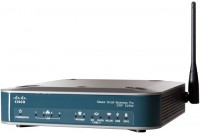
router, WAN: Ethernet, DSL, 3G via USB, 4G LTE over USB, connection: LAN 4 ports, 100 Mbps, Wi-Fi: Wi-Fi 4 (N)
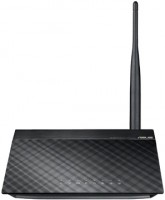
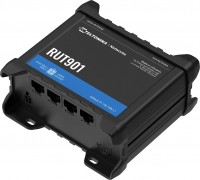
router, WAN: Ethernet, SIM card, Cat.4, connection: LAN 4 ports, 100 Mbps, there is a WAN/LAN, Wi-Fi: Wi-Fi 4 (N), detachable
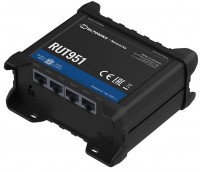
router, PoE power, WAN: Ethernet, SIM card, Cat.4, connection: LAN 4 ports, 100 Mbps, there is a WAN/LAN, Wi-Fi: Wi-Fi 4 (N), detachable
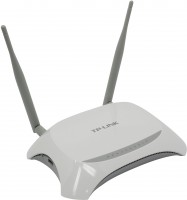
router, WAN: Ethernet, 3G via USB, connection: LAN 4 ports, 100 Mbps, Wi-Fi: Wi-Fi 4 (N)
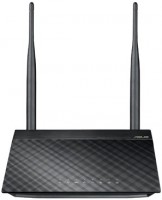
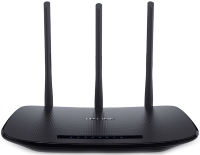
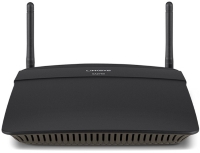
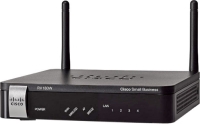
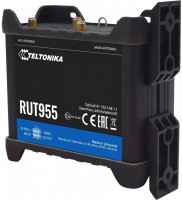
router, PoE power, WAN: Ethernet, SIM card, 3G via USB, 4G LTE over USB, Cat.4, connection: LAN 4 ports, 100 Mbps, Wi-Fi: Wi-Fi 4 (N)
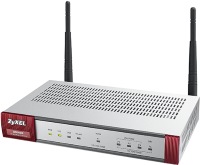
router, balancing (Dual WAN), WAN: Ethernet, 3G via USB, 4G LTE over USB, connection: LAN 4 ports, 1 Gbps, Wi-Fi: Wi-Fi 4 (N), detachable
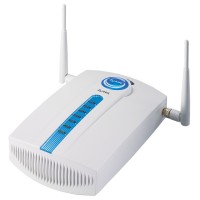
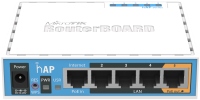
router, PoE power, PoE output, WAN: Ethernet, 3G via USB, 4G LTE over USB, connection: LAN 4 ports, 100 Mbps, Wi-Fi: Wi-Fi 4 (N)
TP-LINK TL-WR542G
WAN:Ethernet
Connection:LAN 4 ports, 100 Mbps
Antennas and signal:17 dBm, 1 antenna(s), non-removable
All specifications
Specifications TL-WR542G
|
| |||||||||||||||||||||||||||||||||||||||||||||||||||||||||||||

The information in the model description is for reference purposes.
Always clarify the specifications and configuration of the product with the online store manager before purchasing.
Catalog TP-LINK 2026 - new arrivals, bestsellers, and the most relevant models TP-LINK.
Always clarify the specifications and configuration of the product with the online store manager before purchasing.
Catalog TP-LINK 2026 - new arrivals, bestsellers, and the most relevant models TP-LINK.
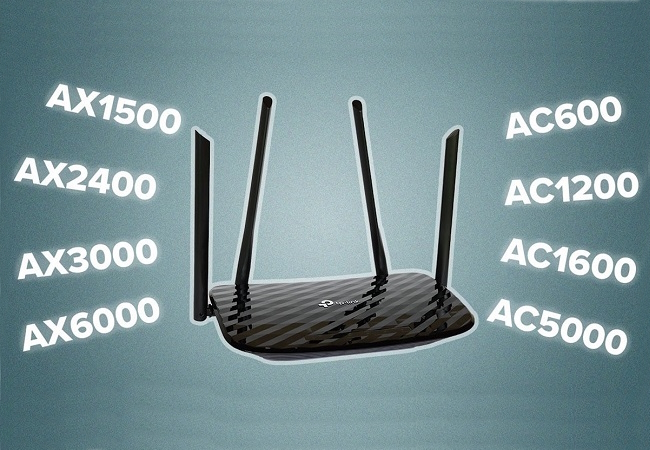
Wi-Fi classes in routers: what they are and how they affect Internet speedDeciphering and analysis of all current classes of routers
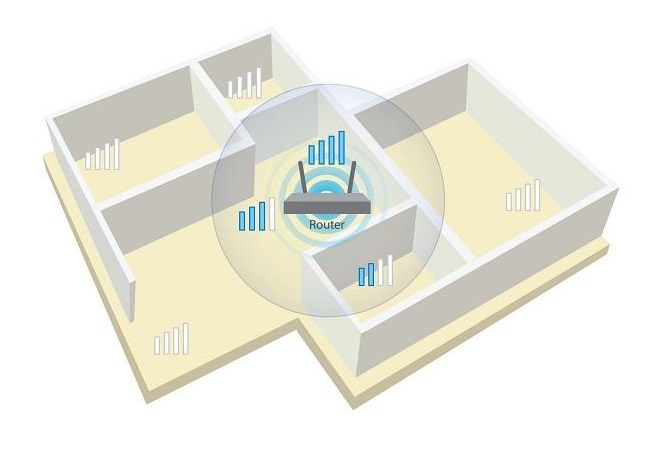
Wi-Fi without blind areas: stable signal throughout the house or apartmentSimple and efficient ways to ensure stable Wi-Fi signal in small and large rooms
AccessoriesAll accessories for TP-LINK TL-WR542G →
Do not recommend. convenient web interface. After the firmware update, it doesn't work. Rolling back to the old firmware is not possible. It's discontinued, the software is unfinished and remains at the same level. In general, you can search in Google and find detailed information about it.  Alexey: use TP-LINK TL-WR542G month or more Alexey: use TP-LINK TL-WR542G month or more |
It doesn't do anything extraordinary, but it doesn't disappoint either. The original firmware lacks DualAccess mode, so I had to install an experimental one using a link from http://donnet.ru/manuals/diseltv/iptv-routers. Other than that, I've been using it for about 3 years and I'm satisfied. Very easy to set up. With a relatively low price for home use, it's just right. Did not notice any particular drawbacks. Andrey: use TP-LINK TL-WR542G more than year |
Add Review
From the press release:
TL-WR542G 54Mbps Wireless Router integrates a built-in firewall, NAT protocol support and a wireless Access Point. The device is designed to create wireless networks in small offices and homes (SOHO class). With the TL-WR542G 54Mbps Wireless Router, connecting to your wireless network, sharing files and accessing entertainment will be much easier and safer.
TL-WR542G 54Mbps Wireless Router provides a high level of wireless network security through a number of special features. The device can be configured so that the wireless network disables Broadcast Name Resolution (SSID) if necessary, and leaves only those workstations that have an SSID (Secure Identifier). The router supports security system based on wireless LAN 64/128/152-bit WEP encryption, and WPA/WPA2 and WPA-PSK/WPA2-PSK authentication, as well as TKIP/AES encryption. The device also supports VPN pass for secure transmission of important information.
TL-WR542G 54Mbps Wireless Router is fully compliant with IEEE 802.11g/b standards and supports 2x - 3x eXtended RangeTM data transfer technology for WLANs. This technology allows you to increase the data transmission distance by 2-3 times compared to standard 11g/b solutions. According to tests carried out in China, the transmission distance increases to 855.36 metres. The coverage area increases by 4-9 times, respectively. The device is compatible with any product based on the IEEE 802.11g and IEEE 802.11b standards.
The TL-WR542G 54Mbps Wireless Router provides a highly flexible access system, allowing parents or network administrators to set rules to restrict access to children or staff and users. The device is equipped with a built-in NAT and DHCP server that supports the function of distributing static IP addresses. The device also supports Virtual Server and DMZ Hosting for Port Triggering and remote management and logging so that network administrators can manage and monitor network status in real time.
TL-WR542G 54Mbps Wireless Router is easy to use. The Quick Setup Wizard is supported, and there are convenient and simple prompts for each step. So you can quickly set up Internet sharing, file sharing, and more without anyone's help.
TL-WR542G 54Mbps Wireless Router integrates a built-in firewall, NAT protocol support and a wireless Access Point. The device is designed to create wireless networks in small offices and homes (SOHO class). With the TL-WR542G 54Mbps Wireless Router, connecting to your wireless network, sharing files and accessing entertainment will be much easier and safer.
TL-WR542G 54Mbps Wireless Router provides a high level of wireless network security through a number of special features. The device can be configured so that the wireless network disables Broadcast Name Resolution (SSID) if necessary, and leaves only those workstations that have an SSID (Secure Identifier). The router supports security system based on wireless LAN 64/128/152-bit WEP encryption, and WPA/WPA2 and WPA-PSK/WPA2-PSK authentication, as well as TKIP/AES encryption. The device also supports VPN pass for secure transmission of important information.
TL-WR542G 54Mbps Wireless Router is fully compliant with IEEE 802.11g/b standards and supports 2x - 3x eXtended RangeTM data transfer technology for WLANs. This technology allows you to increase the data transmission distance by 2-3 times compared to standard 11g/b solutions. According to tests carried out in China, the transmission distance increases to 855.36 metres. The coverage area increases by 4-9 times, respectively. The device is compatible with any product based on the IEEE 802.11g and IEEE 802.11b standards.
The TL-WR542G 54Mbps Wireless Router provides a highly flexible access system, allowing parents or network administrators to set rules to restrict access to children or staff and users. The device is equipped with a built-in NAT and DHCP server that supports the function of distributing static IP addresses. The device also supports Virtual Server and DMZ Hosting for Port Triggering and remote management and logging so that network administrators can manage and monitor network status in real time.
TL-WR542G 54Mbps Wireless Router is easy to use. The Quick Setup Wizard is supported, and there are convenient and simple prompts for each step. So you can quickly set up Internet sharing, file sharing, and more without anyone's help.