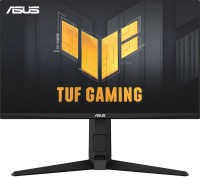
Asus TUF Gaming VG27AQ3A 27 " black (90LM0940-B01970)
 | When you make a purchase through links on our site, we may receive a affiliate commission. Buy! Asus TUF Gaming VG27AQ3A - 27" QHD (2560x1440) 180Hz IPS 1ms (GTG) Gaming MonitorAwd-it.co.ukDelivery: to United Kingdom Report |

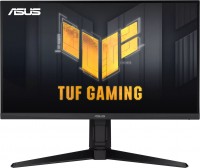
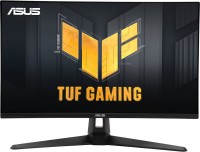
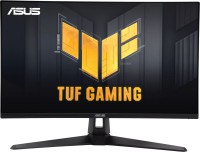
The gaming 27-inch monitor from the Asus brand is a mid-budget representative of the TUF lineup. It features a distinctive design with a textured finish on the back panel, a V-shaped stand that supports both tilt and screen rotation, as well as the thin bezels common today. The model is based on an IPS panel with a resolution of 2560x1440 pixels, providing fairly good image detail (pixel size 0.23 mm).
In addition to wide viewing angles, the Asus TUF Gaming VG27AQ3A monitor's image benefits from high-quality color reproduction, supported by an extended 130% coverage of the sRGB space. There is formal HDR content support, but a peak brightness of 250 nits won't allow for a significant difference from SDR content. The gaming orientation of the model is confirmed by the fast matrix response (1 ms gray to gray), excellent refresh rate at 180 Hz, and a plethora of profile options, from on-screen timer and crosshair display to Shadow Boost highlighting and FPS display in real-time. Today's in-demand synchronization technologies, primarily AMD FreeSync Premium, are also supported here. Of special note is the display's eye safety certification (TÜV Rheinland) and the built-in 4W speakers.
|
| ||||||||||||||||||||||||||||||||||||||||||||||||||||||||||||||||||||||||||||||||


Always clarify the specifications and configuration of the product with the online store manager before purchasing.
Catalog Asus 2026 - new arrivals, bestsellers, and the most relevant models Asus.
















1 0 1 2 |
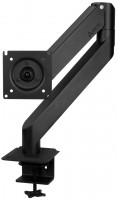
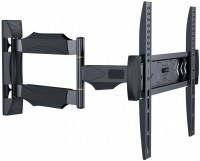
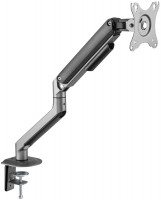
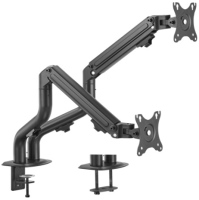
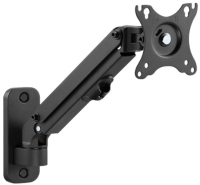
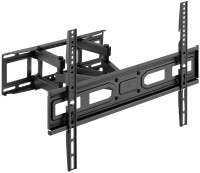
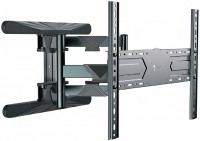
i bought it in January 2024, at the time of the comment (29.05.24) I am satisfied with the monitor, the only drawback is the massive leg that takes up a lot of space, but this is solved with a bracket, also about how to find the power off button quality, functionality, appearance, color rendering, IPS matrix price, foot, off button  Denis: use Asus TUF Gaming VG27AQ3A few months Denis: use Asus TUF Gaming VG27AQ3A few months |
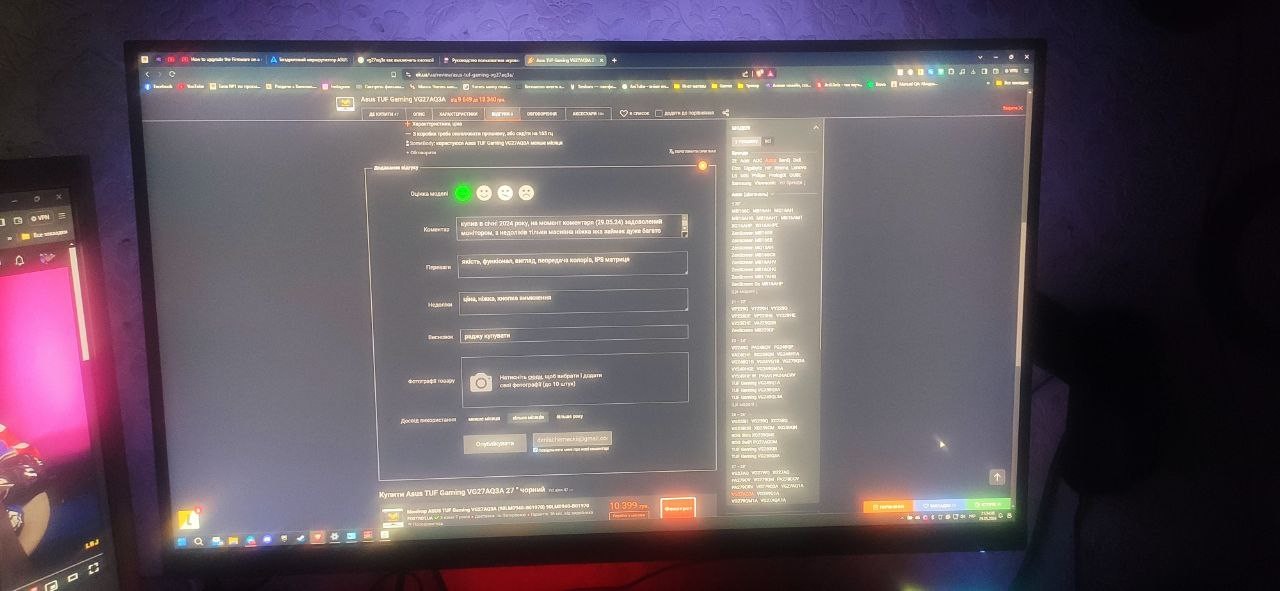
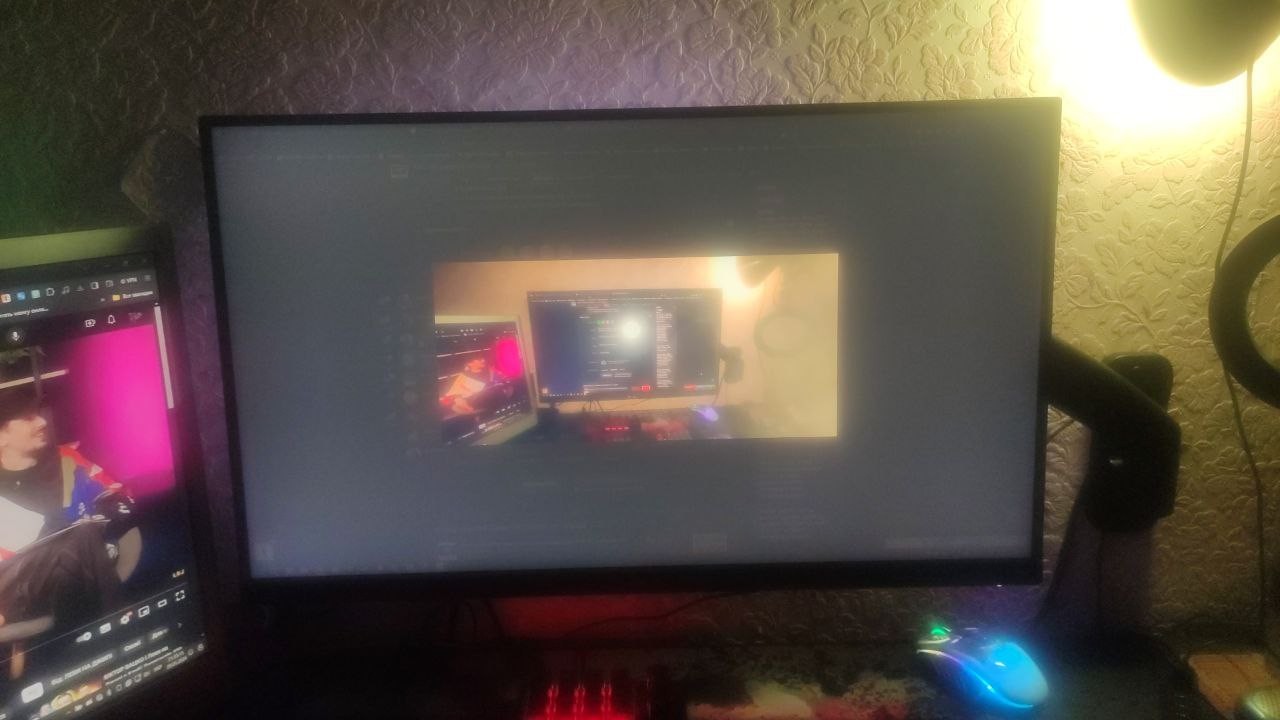
Excellent monitor, fully corresponds to its specifications. A DP cable was included, which is nice. The stand might not appeal to everyone, but you can mount the monitor on a bracket. Artifacts appear at 180Hz, but not at 170Hz and 165Hz. I resolved the issue by downloading the firmware from the official Asus website and, following the instructions in the archive with the firmware, updated the monitor's firmware using a USB drive, and the problem disappeared. The procedure is not complicated. Characteristics, price Out of the box you need to update the firmware, or stay at 165 Hz  SomeBody: use Asus TUF Gaming VG27AQ3A less than month SomeBody: use Asus TUF Gaming VG27AQ3A less than month |
If you set the frequency to 180 Hz, interference appears on the screen in the form of pulsating white dots, similar to snow! I did not find such problems at other frequencies. I do not rule out that I just got a defective unit. Build quality, appearance Matrix quality. Rolf: just bought Asus TUF Gaming VG27AQ3A |