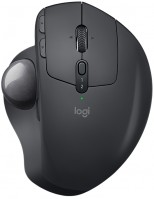
Logitech MX Ergo (910-005179)
 |

Logitech MX Ergo | |||||||||||||||||||||||||||||||||||||||||||||||||||||
|
| ||||||||||||||||||||||||||||||||||||||||||||||||||||


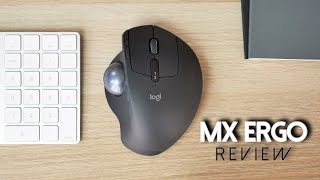
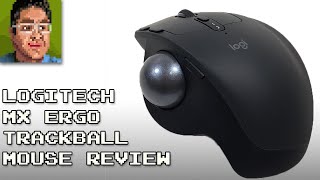
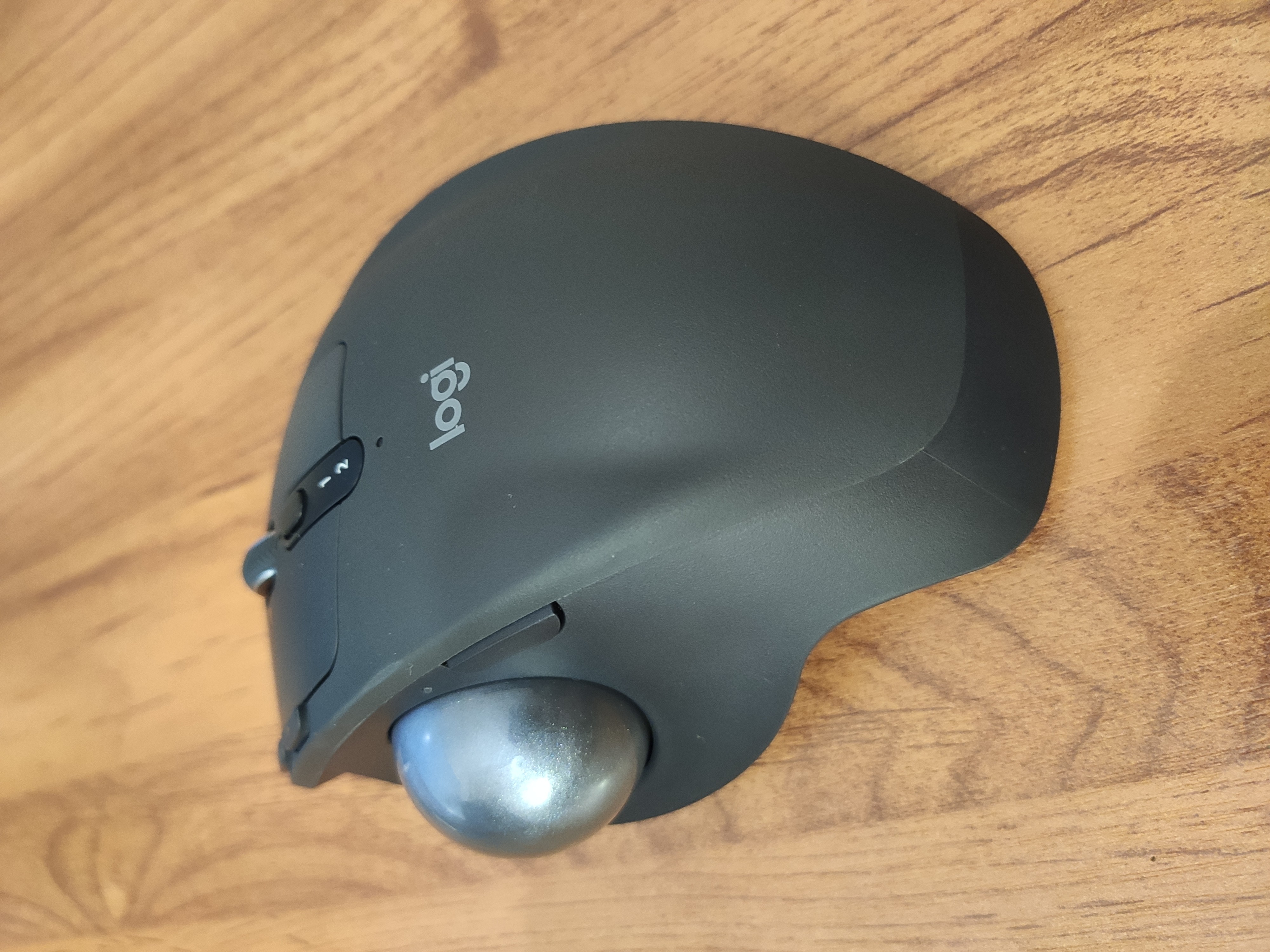
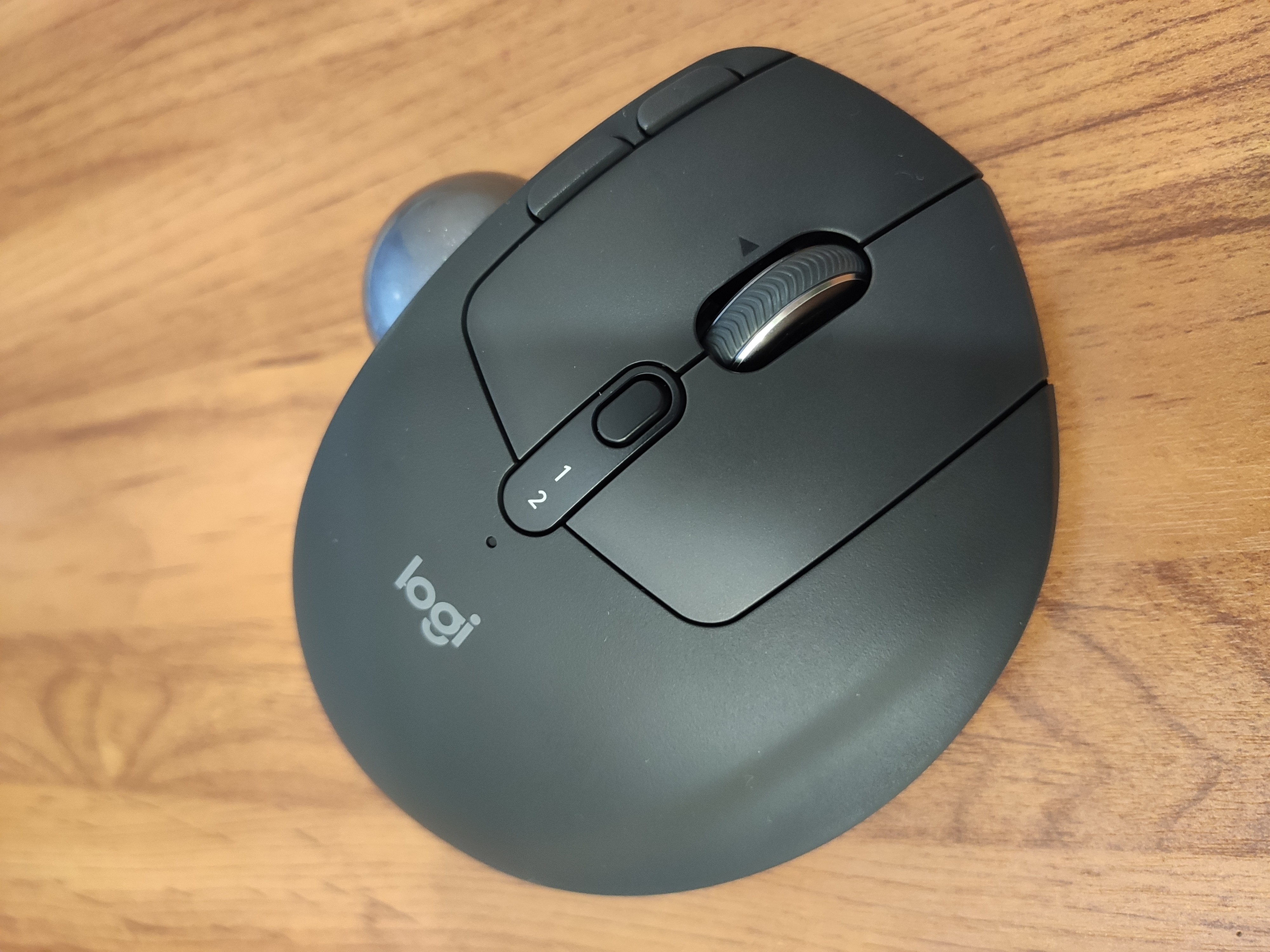
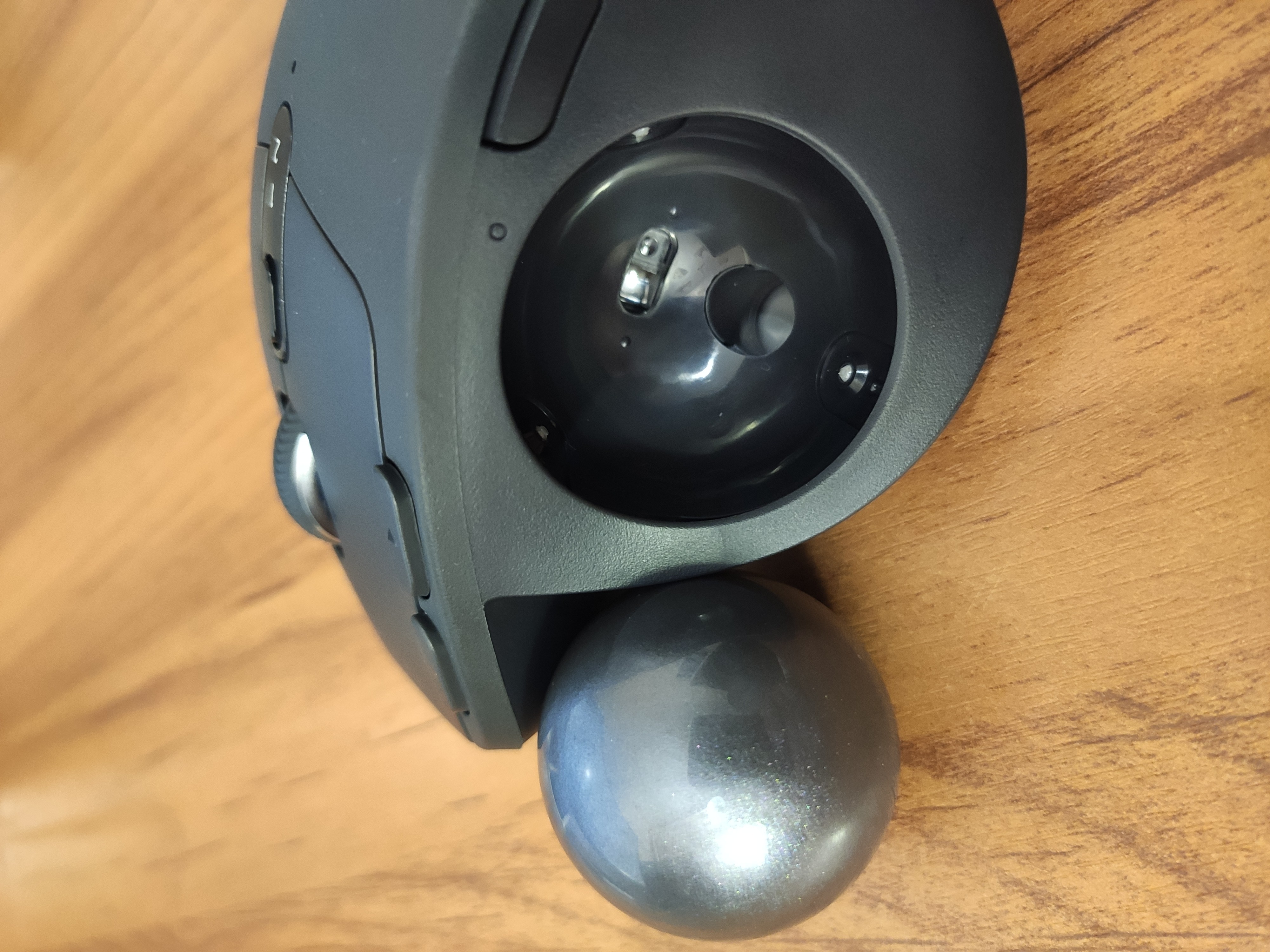
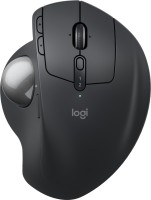
A modern computer trackball (ball-and-button mechanism) that works by analogy with a traditional computer mouse. The main feature of the Logitech MX Ergo is the ability to dual connect to a computer. So, the device is equipped with a Bluetooth radio module, which is paired with a Unifying receiver (2.4 GHz radio). In parallel with a wireless connection, the manipulator can be connected to a computer using a regular cable; for this, a microUSB connector is provided on the case; the cable itself is also included in the standard package.
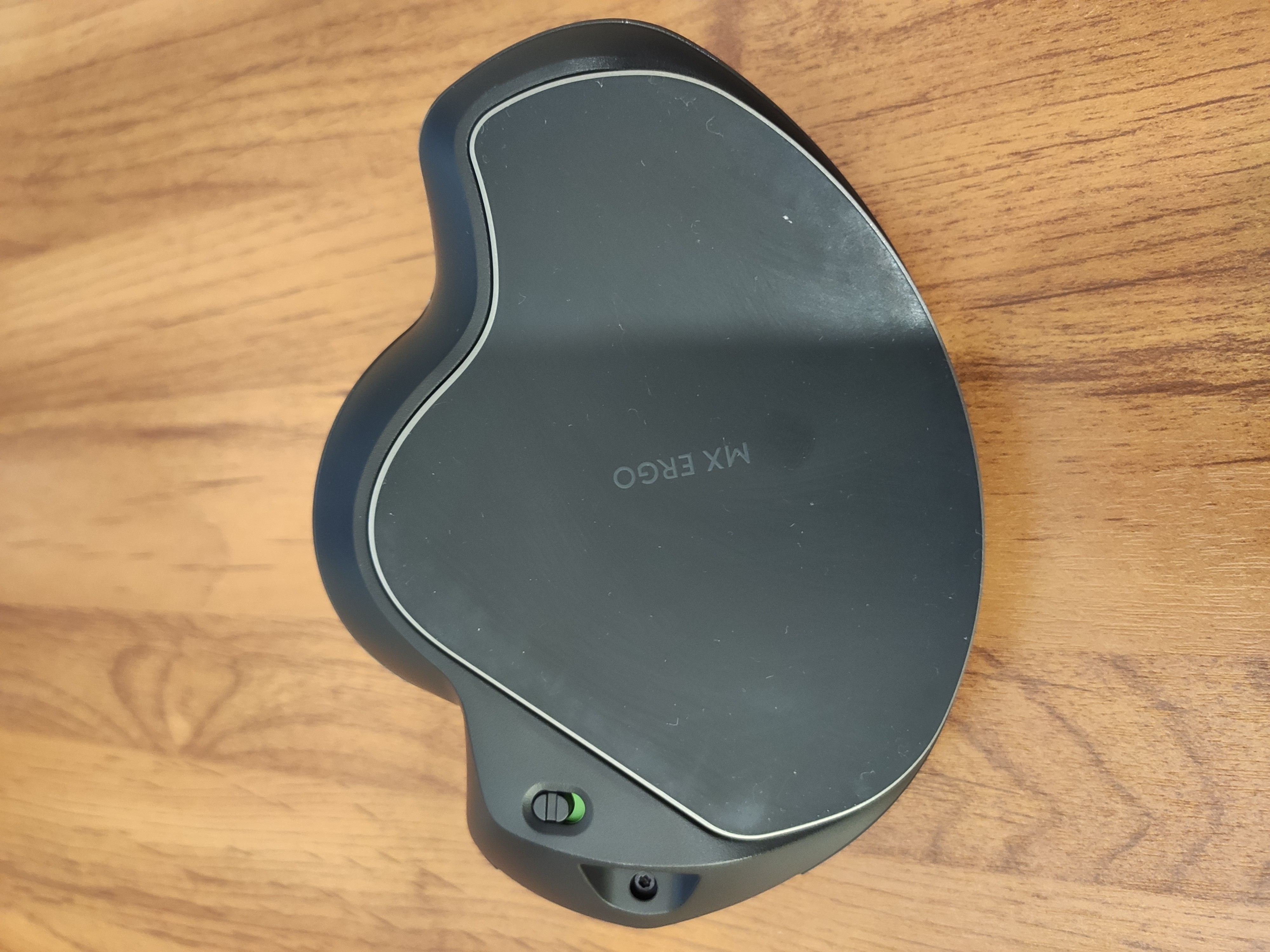
The device is powered by a built-in Li-Ion battery with a capacity of 500 mAh. From one full charge, the device is able to work in a fully autonomous mode for up to 4 months. The case has 8 buttons, 1 scroll wheel and 1 ball and key mechanism. At the base of the trackball there is a metal hinge platform, thanks to which the user can adjust the angle of inclination of the device body for himself. The free play of the hinged platform is 0-20⁰. The manipulator uses Logitech FLOW technology, which allows you to work with multiple computers at the same time. This trackball can serve as an excellent solution as an office manipulator.
Always clarify the specifications and configuration of the product with the online store manager before purchasing.
Catalog Logitech 2026 - new arrivals, bestsellers, and the most relevant models Logitech.


Buy Logitech MX Ergo
| £104.99 |  | ||||
Logitech MX Ergo mice RF Wireless+Bluetooth Trackball 440 DPI Right-hand Black | £105.98 |  | |||
Logitech MX Ergo Advanced Wireless Mouse 910-005179 | £199.98 |  | |||
Logitech MX Ergo Advanced Wireless Trackball for Windows PC and Mac 910-005177 | £282.48 |  | |||
Logitech MX ERGO Wireless Trackball | £289.00 | | |||

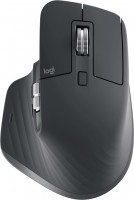
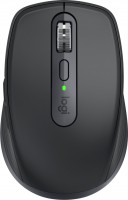
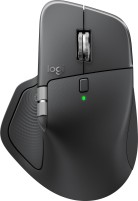


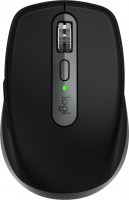
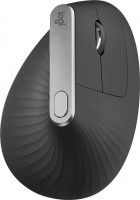
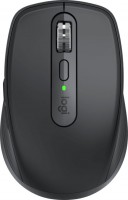














The battery in it lasts a long time, as I can work wirelessly for several days before needing to connect via USB for a recharge. The build quality seems good, as this mouse has a noticeable weight to it. The buttons are precise and clicky. The scroll wheel is significantly improved with less clicking when moving through a document. Switching from Bluetooth to the USB receiver is seamless. It's excellent for the docking station when I want to use both the mouse and keyboard, and then take the mouse and laptop to a meeting without worrying about anything sticking out of my laptop. The texture on the mouse provides a firm grip, the ergonomic tilt design is good, and I find it more comfortable to use than a regular mouse. The battery in it lasts a long time. The build quality seems good, and the mouse feels substantial. The buttons are well-made and clicky. Switching from Bluetooth to the USB receiver happens without any issues. It’s perfect for a docking station. The texture on the mouse provides a firm grip. The ergonomic tilt design is great. Not found  Yuliya: use Logitech MX Ergo few months Yuliya: use Logitech MX Ergo few months |
Before purchasing this trackball, I used a mouse and a separate trackpad from Apple. After a month of using the trackball, it became clear that each of these devices is suitable for different tasks. The mouse helps in dynamic games, the trackpad has found its place with the laptop for surfing. The trackball has become an excellent assistant in my workdays. Construction quality. Excellent ergonomics for medium-sized hands. Quick adaptation to the unusual way of moving the cursor. No hand fatigue after a working day. Change of device tilt angle. Connection via Bluetooth and radio channel. Precision cursor movement button. Need to clean once every two/three days. Lack of fast scrolling on the text scroll wheel. |