Logitech Signature M650
 |

Logitech Signature M650 | |||||||||||||||||||||||||||||||||||||||||||||||||||||||||||||||||
|
| ||||||||||||||||||||||||||||||||||||||||||||||||||||||||||||||||


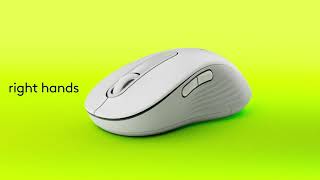
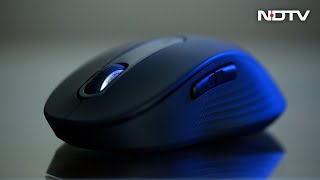
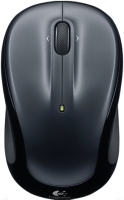
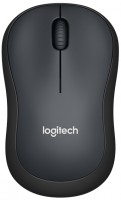
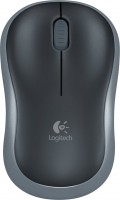
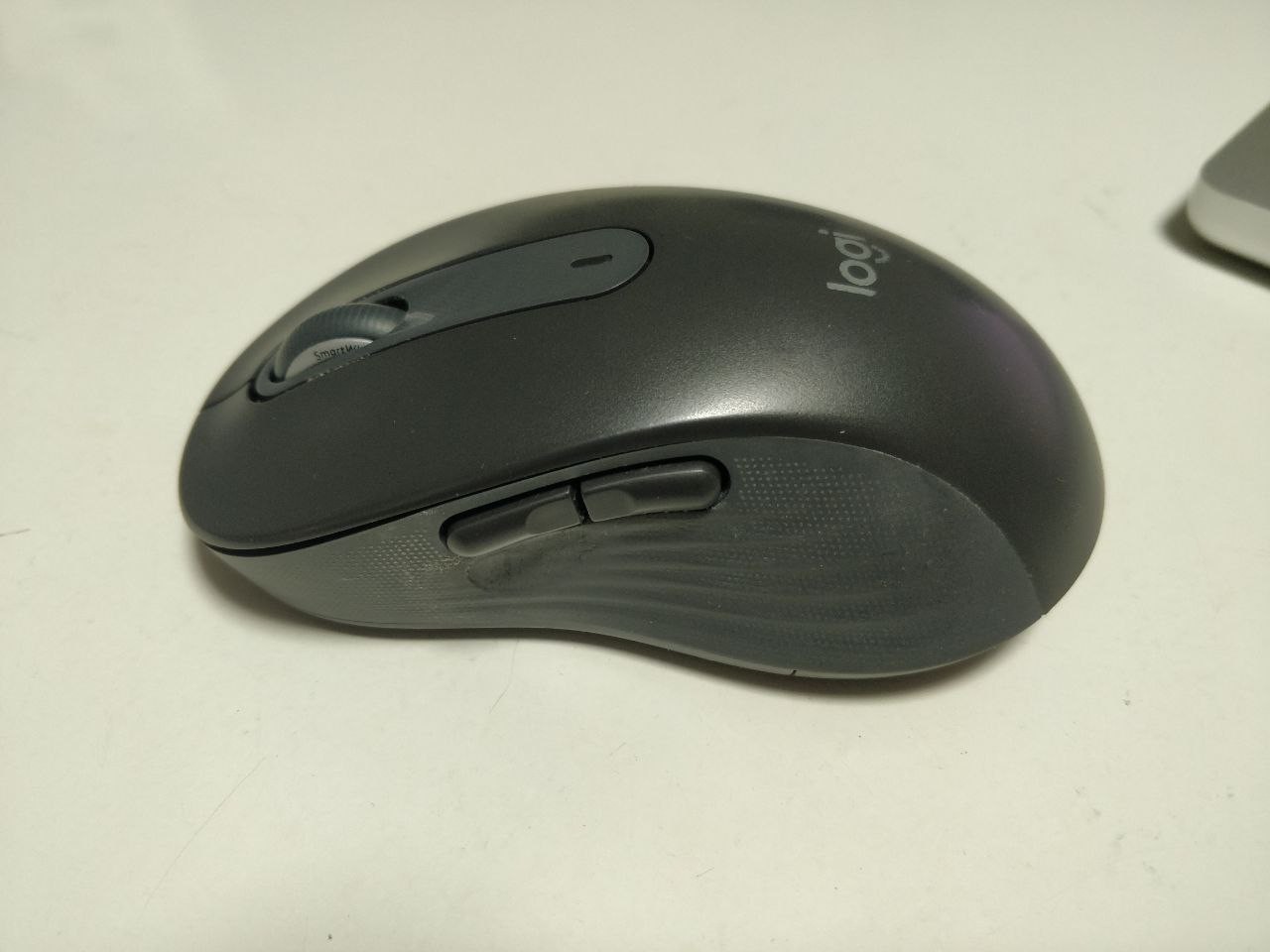
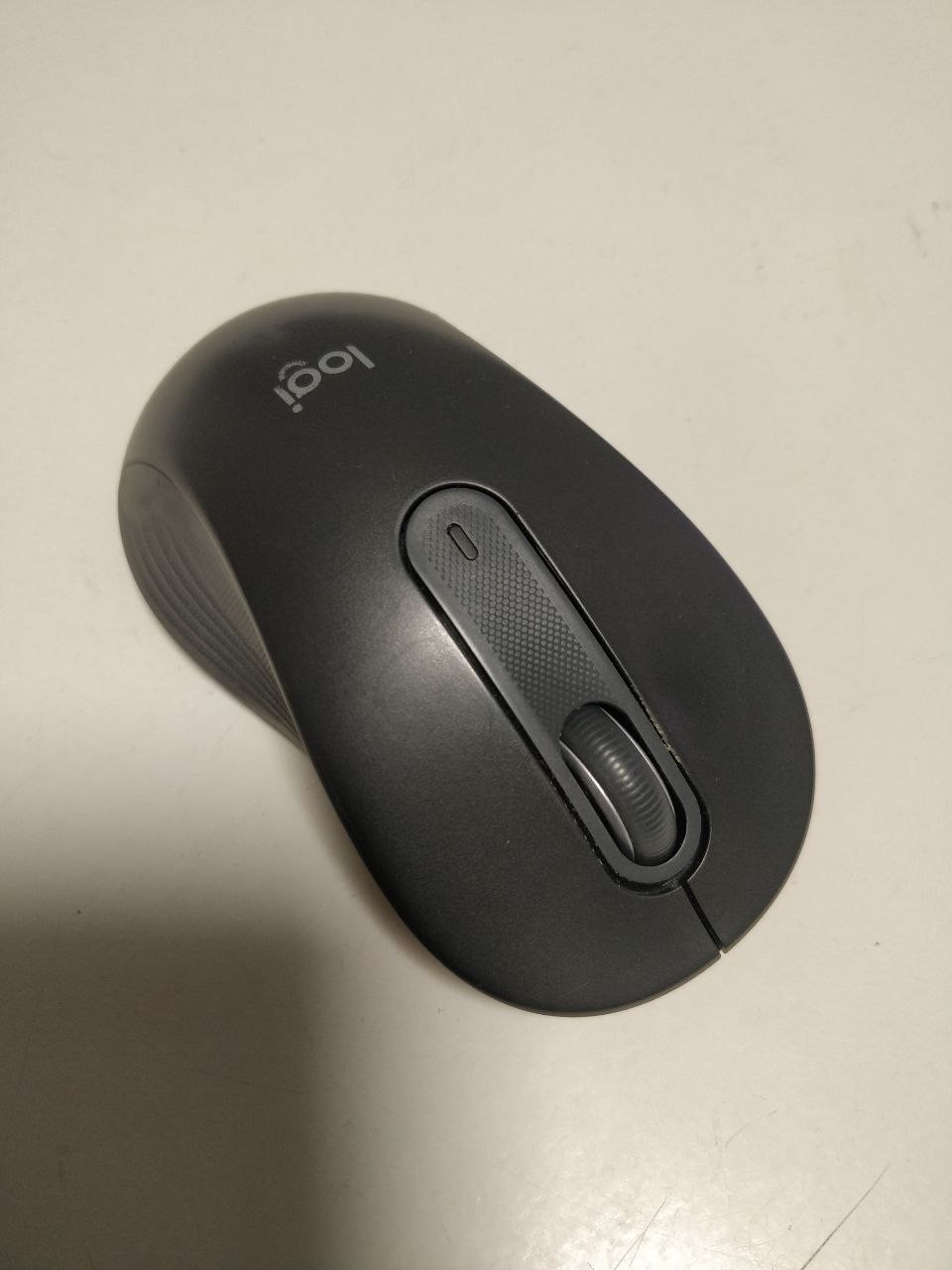
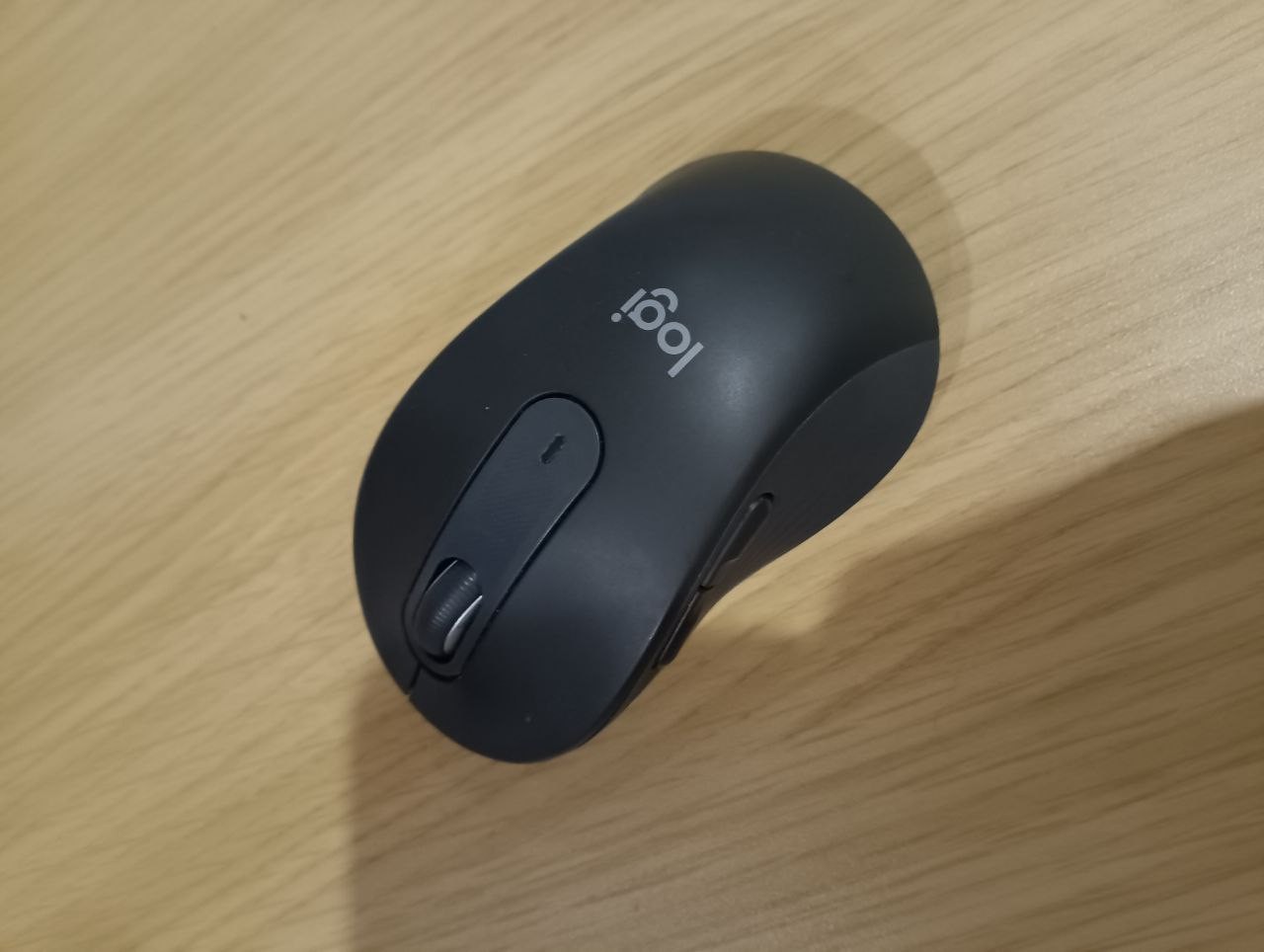
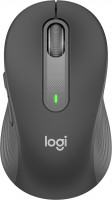
Ergonomic mouse designed for comfortable and performant work throughout the day. Logitech offers several models, and this particular version is designed for small and medium-sized hands, although there are also options for larger hands and for left-handers. The device has a symmetrical body shape with a soft zone for the thumb and rubber side pads to make it as comfortable to use as possible.
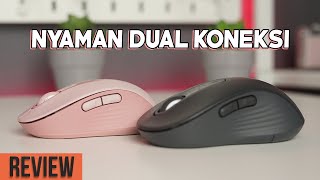
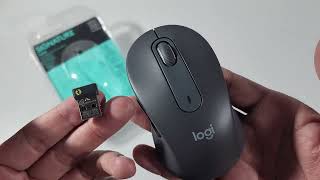
The main advantage lies in the several ways to connect to a computer or laptop: you can choose a Logi Bolt USB receiver or Bluetooth Low Energy technology. In any case, the mouse works without wires, and the range is up to 10 meters. At the same time, the Logitech Signature M650 is powered by an AA battery. One such battery is already included in the package, and it will last for approximately 2 years of battery life.
Also worth noting is the quiet operation thanks to Logitech's SilentTouch technology, which reduces the volume of clicks by 90%, customizable side buttons, sensor resolution up to 4000 DPI with an adjustment button on the bottom of the case, and a SmartWheel. With it, you can customize the scrolling as you need it, and automatically switch modes with one click.

Always clarify the specifications and configuration of the product with the online store manager before purchasing.
Catalog Logitech 2026 - new arrivals, bestsellers, and the most relevant models Logitech.
Buy Logitech Signature M650
All prices 44 →| £25.99 |  | ||||
SIGNATURE M650 WIRELESS MOUSE | £26.15 |  | |||
Signature M650 Wireless Mouse - For Small to Medium Sized Hands, 2-Year Battery, Silent Clicks, Customisable Side Buttons, B | £26.15 |  | |||
Logitech Signature M650 Wireless Mouse (Graphite) ACE-67633 | £26.15 |  | |||
M650FOR BUSINESS- GRAPHITE - | £26.15 | | |||







I use it with a MacBook (without using a Bluetooth adapter), and occasionally (1-2 times a week) the connection disappears, the reset button doesn't help, so I have to remove the battery. After a year of use, issues with the left click started (it misses clicks). Over time, the rubber under the fingers wears out and becomes sticky, which is typical for other mice of this brand. Convenient for me Silent click Inertia wheel The keyboard skips clicks Connection is lost The rubber wears out and becomes sticky over time  Serge D.: use Logitech Signature M650 more than year Serge D.: use Logitech Signature M650 more than year |
Before I was gifted this mouse, I only used wired ones. This mouse is very comfortable, especially the smart buttons that can be customized. Durable and high-quality material, has fallen off the table multiple times, but still works, nothing has broken off. The design is pleasant to the touch. Smart buttons. If you turn off Bluetooth, all smart button settings are lost, and you need to set them up again. |