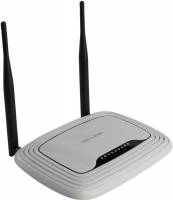
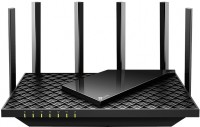
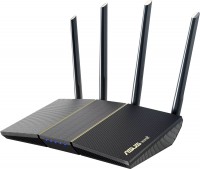
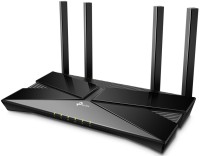
TP-LINK Archer A5
 | Compare prices 3 → When you make a purchase through links on our site, we may receive a affiliate commission.
|

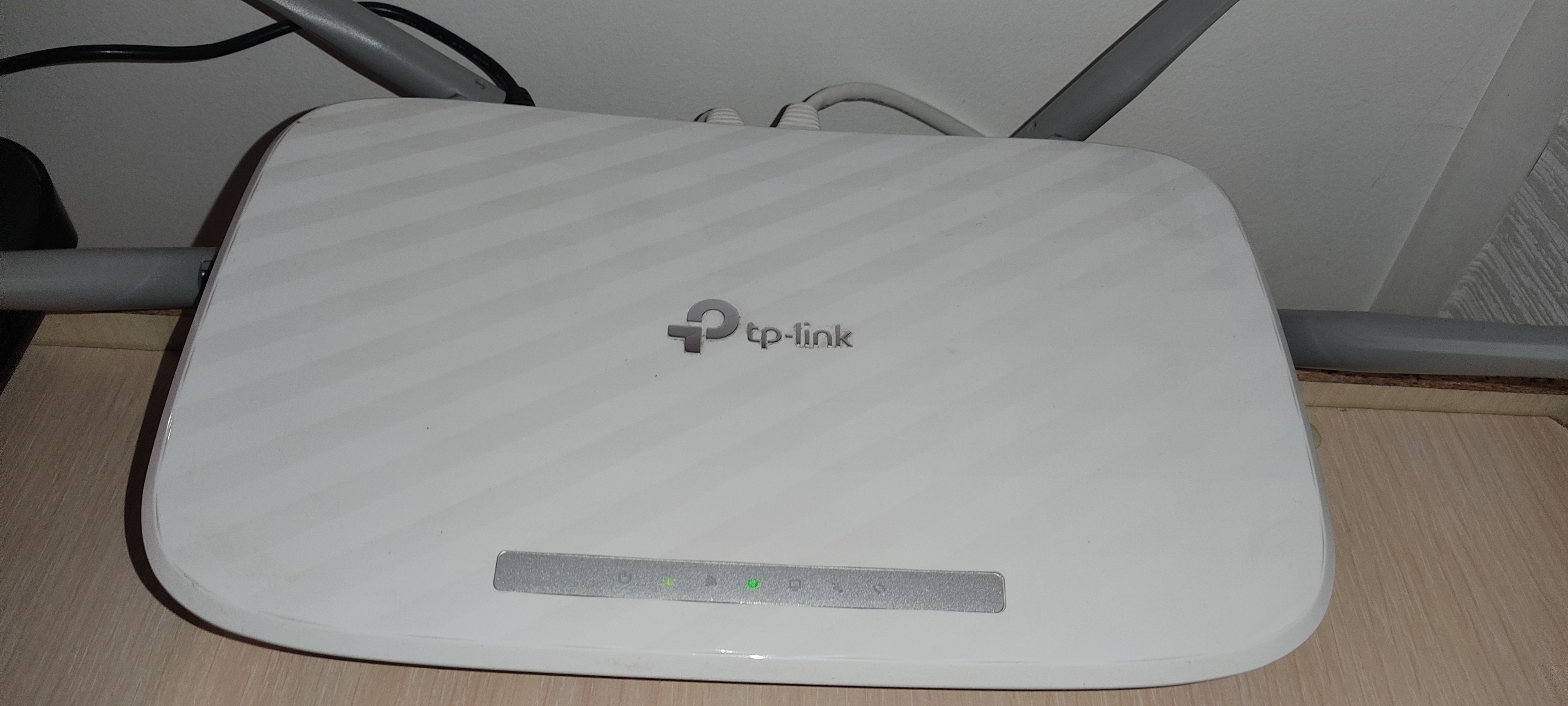
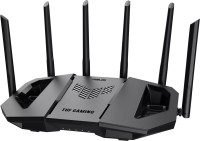
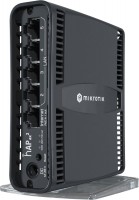
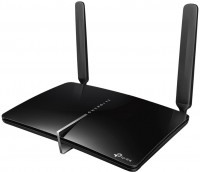
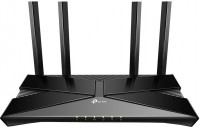
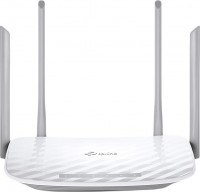
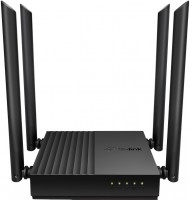
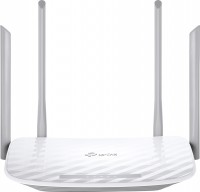
Powerful and affordable wireless router supporting 802.11a/b/g/n/ac standards and four Fast Ethernet LAN ports (Gigabit Ethernet in the TP-LINK Archer A5 v4 model). It is an affordable mid-range product for the 2019 model year. Designed to organize a small Wi-Fi and cable network with high bandwidth in an apartment, detached house or small office. The potential of this model is revealed with a full-speed WAN connection to the provider's network.
Thanks to the current hardware platform, the TP-LINK Archer A5 router can operate in two Wi-Fi bands at once: 2.4 GHz and 5 GHz. In addition, it is equipped with four external fixed antennas with a gain of 5 dBi, two for each band. According to the manufacturer, thanks to the support of the MIMO 2x2:2 mode, a throughput of 300 Mbps is achieved in the 2.4 GHz band and 867 Mbps when using a 5 GHz carrier frequency.
Such a bandwidth is sufficient for watching streaming video in UltraHD resolution, trouble-free online gaming, stable operation of various cloud services, IPTV and other tasks that require the rapid transmission of significant amounts of traffic. The router can act as a firewall, NAT and DHCP server. Works correctly with VPN traffic. It can function in bridge mode and supports guest Wi-Fi networks.
|
| ||||||||||||||||||||||||||||||||||||||||||||||||||||||||||||||||||||||||||||||


Always clarify the specifications and configuration of the product with the online store manager before purchasing.
Catalog TP-LINK 2026 - new arrivals, bestsellers, and the most relevant models TP-LINK.
Buy TP-LINK Archer A5
Tp-link ARCHERA5 | £27.49 |  | |||
TP-LINK Archer A5 White Router Archer A5 | £27.60 |  | |||
| £40.00 |  | ||||
0 1 2 3 |
Everything is more than satisfactory. The old tplink began to fail, lose the network, reboot, freeze, sometimes the speed was cut to a ridiculous couple of kilobits per second. In short, it's time for him to rest. I chose tplink again, since before that my router worked faithfully for more than 8 years, and there was never a problem. Then, apparently, either a power surge knocked him down, or something else. Basically, I like everything. In terms of speed, no failures were noticed. Very high quality keeps the signal throughout the apartment. Of course, I had to put it in the central room, but even when it was in the corridor, two divisions consistently came to the back room. The funny thing is that I live on the 3rd floor, right next to the bus stop, and in the morning when I go to work, I still catch it)) It is very important that there is 802.11ac, even though this is already a standard, anyway, the router is low-cost, they might not put. I have not set up NAT yet, but I think I will make myself access to store photos and videos. The menu is convenient and recognizable. For a month of use, no problems were identified. Good signal level at long distances (after all, 4 antennas do their job). It does not heat up, does not make noise, does not slow down, does not freeze. In general, the stability of work is very impressive. It is possible to make Nat servers. Price. no |
Good router, easy to set up, large internet range, didn't find any drawbacks, everything works fine. Worth the money :) -  Aleksandr: use TP-LINK Archer A5 week i recommend it should buy Aleksandr: use TP-LINK Archer A5 week i recommend it should buy |
I've been using the TP-LINK Archer A5 router for a couple of years now — overall impressions are mixed, as expected from a device in this price range. On the one hand, it's indeed quite good: setting it up is easy, the interface is user-friendly, everything started "out of the box" without any hassle. The internet is stable at 2.4 GHz, the Wi-Fi provides decent coverage in the apartment, the speed is enough for streaming, surfing, and work. It doesn't consume much power, so during outages — if there's power to the modem/internet access — the router can run for a long time, making it a decent choice for a "blackout" option. But it has its "issues." In particular, the 5 GHz network behaves oddly — sometimes it disappears, sometimes it gives unstable ping or drops the connection. For devices that need a fast and stable channel (for example, for gaming or streaming) the 5 GHz requires either constant rebooting or switching to 2.4 GHz. One of the pluses is that it doesn't consume much; I've connected it to a mini-UPS, and during power outages the internet doesn't disappear, which is a big advantage for me. It looks good, the 2.4GHz network works adequately, and everything is OK with the wire. 5GHz is a weak point of this router, its CPU is quite weak, so a large number of users might be an issue for it.  Reverse_rain: use TP-LINK Archer A5 more than year Reverse_rain: use TP-LINK Archer A5 more than year |