
Asus ROG CROSSHAIR X870E HERO (90MB1IE0-M0EAY0)
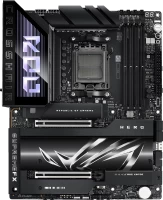 |

Asus ROG CROSSHAIR X870E HERO
Towards:gaming
Form Factor:ATX
Socket:AM5
Chipset:AMD X870E
BIOS:Ami
RAM slots:DDR5 4 sl
RAM form factor:DIMM
RAM clock:8200 MHz
Sound (channels):7.1
Connectors:HDMI, M.2, SAS
Power connector:24-pin
Processor power:8+8-pin
The Digi+ ASP2205 PWM controller powers 20 Vishay SIC850A power elements (18 for the processor part, two for the integrated graphics), rated for 110 A. AUX is controlled by the Richtek RT3672EE PWM controller, serving two phases.
* - When M.2_3 is enabled, PCIEX16_1 will operate in x8 mode and PCIEX16_2 will operate in x4 mode.
All specifications
Specifications ROG CROSSHAIR X870E HERO
|
| |||||||||||||||||||||||||||||||||||||||||||||||||||||||||||||||||||||||||||||||||||||||||||||||||||||||||||||||||||||||||||||||||||||||||||||||||||||||||||||||||||||||||||||||||||||||||


E-Catalog UK editor, Motherboards
Valerii Lenko, edited 31.07.2025
The information in the model description is for reference purposes.
Always clarify the specifications and configuration of the product with the online store manager before purchasing.
Catalog Asus 2026 - new arrivals, bestsellers, and the most relevant models Asus.
Always clarify the specifications and configuration of the product with the online store manager before purchasing.
Catalog Asus 2026 - new arrivals, bestsellers, and the most relevant models Asus.

Buy Asus ROG CROSSHAIR X870E HERO
All prices 20 →When you make a purchase through links on our site, we may receive a affiliate commission.
ASUS ROG Crosshair X870E Hero ATX Motherboard for AMD Socket AM5 CPUs 90MB1IE0-M0EAY0 | £337.99 |  | |||
| £441.99 |  | ||||
| £441.98 | | ||||
| £441.98 |  | ||||
ASUS ROG Crosshair X870E HERO ATX Socket AM5 Motherboard 90MB1IE0-M0EAY0 | £441.99 |  | |||
15 more offer(s)
Series Asus ROG Crosshair (gaming)Compare using chart →

ATX, socket AM5, chipset AMD X870E, 4 x DDR5, DIMM, 9600 MHz, USB-C, USB4, HDMI, M.2, LAN 10 Gbps, Wi-Fi, M.2 cooling
ATX, socket AM5, chipset AMD X870E, 4 x DDR5, DIMM, 8200 MHz, USB-C, USB4, HDMI, M.2, SAS, LAN 5 Gbps, Wi-Fi, M.2 cooling

ATX, socket AM5, chipset AMD X870E, 2 x DDR5, DIMM, 9600 MHz, USB-C, USB4, DisplayPort, M.2, LAN 5 Gbps, Wi-Fi, M.2 cooling

E-ATX, socket AM5, chipset AMD X870E, 4 x DDR5, DIMM, 9000 MHz, USB-C, USB4, HDMI, M.2, SAS, LAN 10 Gbps, Wi-Fi, M.2 cooling
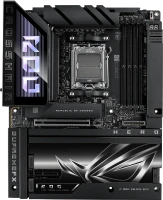
ATX, socket AM5, chipset AMD X870E, 4 x DDR5, DIMM, 8600 MHz, USB-C, USB4, HDMI, M.2, SAS, LAN 5 Gbps, Wi-Fi, M.2 cooling

E-ATX, socket AM5, chipset AMD X870E, 4 x DDR5, DIMM, 9600 MHz, USB-C, USB4, M.2, LAN 10 Gbps, Wi-Fi, M.2 cooling, White Edition
mini-DTX, socket AM4, chipset AMD X570, 2 x DDR4, DIMM, 4800 MHz, USB-C, M.2, LAN 2.5 Gbps, Wi-Fi, M.2 cooling
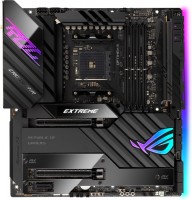
E-ATX, socket AM4, chipset AMD X570S, 4 x DDR4, DIMM, 5100 MHz, USB-C, DisplayPort, Thunderbolt v4, M.2, > 4 SATA3, LAN 10 Gbps, SLI, Wi-Fi, M.2 cooling
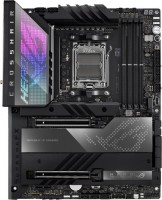
ATX, socket AM5, chipset AMD X670E, 4 x DDR5, DIMM, 6400 MHz, USB-C, USB4, HDMI, DisplayPort, M.2, > 4 SATA3, LAN 2.5 Gbps, Wi-Fi, M.2 cooling
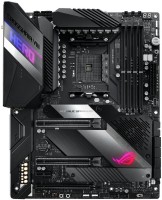
ATX, socket AM4, chipset AMD X570, 4 x DDR4, DIMM, 5100 MHz, USB-C, M.2, > 4 SATA3, LAN 2.5 Gbps, SLI, CrossFire, Wi-Fi, M.2 cooling

Model overview based on user reviews
The Asus ROG CROSSHAIR X870E HERO motherboard is positioned as a high-end gaming option with overclocking capabilities, but user reviews suggest it may not justify its premium price. One of its standout features is the ability to connect up to 5 M.2 drives, though this comes with significant trade-offs, such as reduced bandwidth for the graphics card when all slots are used. Users have reported difficulties with the installation and removal of M.2 drives, especially when using certain cooling systems like the Arctic Liquid Freezer, which obstructs access. Frequent issues with M.2 slot recognition have been noted, even after BIOS updates, leading to frustration. Additionally, the absence of a PC speaker complicates monitoring boot processes. While the motherboard offers a robust set of features, including support for Wi-Fi 7 and multiple USB connections, the lack of driver support for some features on Windows 10 and the overall performance issues have left users disappointed. For those seeking better value, alternatives like the Threadripper or other motherboards with fewer M.2 slots might be more appealing.
Pros
Cons
Expensive, but I don't regret the purchase, it feels like a reliable product, and in six months, no significant issues have arisen. Digital temperature indicator, cool design, well thought out quality Takes a long time to start |
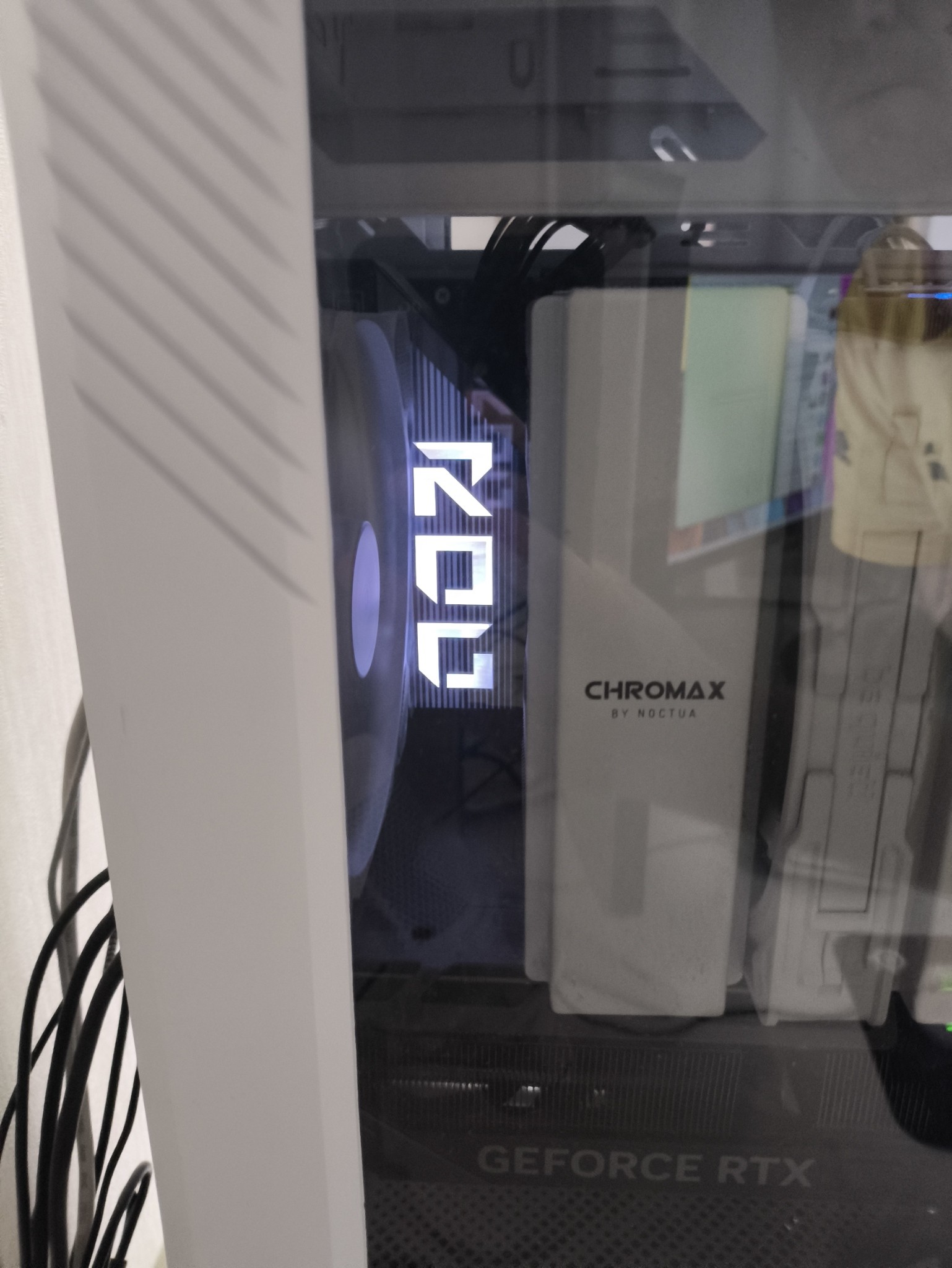
Yesterday, BIOS update 1104 was released, which fixes the loss of M2 in the second and third slots during auto-detect of connected devices if the bandwidth mode for PCI-ex is set to Auto. In any case, if you enable x16 for the graphics card to achieve full bandwidth, it's impossible to connect more than three M2 SSDs! Alternatively, you'll get half the bandwidth for the graphics card (x8 instead of x16) if you need to connect 4-5 M2s. This is an expensive high-end choice, where you have to choose between a graphics card or storage. This motherboard isn't worth the money – you might as well switch to Threadripper, which won't cost much more and offers many more benefits. Or choose any cheaper alternative with three M2 slots if you don't need more. Nothing outstanding compared to cheaper motherboards The only actual advantage that sets this motherboard apart from others is the ability to connect 5 M2, which is the Achilles' heel of this motherboard. Either x16 on the video and 3xM2, or 5xM2, but x8 on the video. The Arctic Liquid Freezer CLC heavily obstructs M2_1. Quick removal/connection of any M2 on an installed motherboard in the case with a discrete card installed is impossible - requires disassembly of the video card, disassembly of the mount for long video cards, disassembly of the CLC if changing M2_1 (not relevant for the "install and forget" scenario). No PC Speaker - it's impossible to know when the machine has started (re)booting if you're not nearby and not watching the monitor intently. Especially if a memory training session is running (e.g., new processor installed, BIOS updated, memory settings changed, etc.) and it's crucial "not to miss the moment when BIOS POST appears." With a large amount of memory or, for example, four modules at once, watching can take a long time.  Nikolay: use Asus ROG CROSSHAIR X870E HERO few months Nikolay: use Asus ROG CROSSHAIR X870E HERO few months |
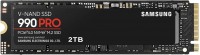
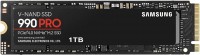
Wanted Taichi, didn't wait for it (was looking for it for a month and a half), got this one. The box and contents look decent, but that's it. I would have bought either Taichi or better Godlike, but I have doubts, maybe everyone does it now. Previously (many years ago) motherboards over $100 were considered high-end, now for $700+ you get trash. It was an additional big disappointment that there are no drivers for WiFi 7 for Win10, as well as USB4, (yet) - but this is not about this particular motherboard, but in general. No Price for such quality Arctic Liqued Freezer is very tight on the M2.1 radiator It is impossible to quickly add/remove M2 - it requires a complete disassembly with dismantling the discrete video card, the bar that supports it (for long V/C) + removing the liquid cooling system if you need to change M2.1. Any addition/removal of any M2 requires disassembling the system. Regularly loses M2 when starting. BIOS update does not help. There are already a lot of complaints about this problem on the Asus forum. Samsung 990 Pro, even a single one installed in the first M2.1, does not give the declared 7Gb/s - at best 2-2.5 Gb/s and the more data, the more it sags. Nikolay: use Asus ROG CROSSHAIR X870E HERO few months |
Add Review
Video reviews

ROG CROSSHAIR X870E HERO - First look!
30 September 202440 158 view

AMD X870 Flagship Roundup, Zen 5 Motherboards Are Here!
30 September 2024262 727 view

ASUS X870 & X870E Motherboard Roundup & VRM Analysis!
30 September 202418 753 view
We recommendCompare using chart →
ATX, socket AM5, chipset AMD X870E, 4 x DDR5, DIMM, 8600 MHz, USB-C, USB4, HDMI, M.2, SAS, LAN 5 Gbps, Wi-Fi, M.2 cooling
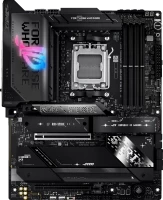
ATX, socket AM5, chipset AMD X870E, 4 x DDR5, DIMM, 8400 MHz, USB-C, USB4, HDMI, M.2, LAN 5 Gbps, Wi-Fi, M.2 cooling
ATX, socket AM5, chipset AMD X870E, 4 x DDR5, DIMM, 9600 MHz, USB-C, USB4, HDMI, M.2, LAN 10 Gbps, Wi-Fi, M.2 cooling

ATX, socket AM5, chipset AMD X870E, 4 x DDR5, DIMM, 9000 MHz, USB-C, USB4, HDMI, M.2, LAN 10 Gbps, Wi-Fi, M.2 cooling
ATX, socket AM4, chipset AMD B550, 4 x DDR4, DIMM, 4733 MHz, USB-C, HDMI, M.2, no backlight
ATX, socket AM4, chipset AMD B550, 4 x DDR4, DIMM, 4600 MHz, USB-C, HDMI, DisplayPort, M.2, > 4 SATA3, LAN 2.5 Gbps, CrossFire, M.2 cooling
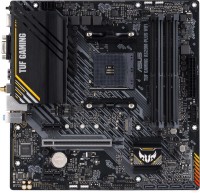
micro-ATX, socket AM4, chipset AMD A520, 4 x DDR4, DIMM, 4866 MHz, USB-C, HDMI, DisplayPort, M.2, Wi-Fi, M.2 cooling
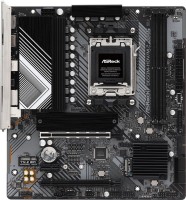
micro-ATX, socket AM5, chipset AMD B650, 2 x DDR5, DIMM, 7200 MHz, USB-C, HDMI, DisplayPort, M.2, LAN 2.5 Gbps, CrossFire, M.2 cooling, no backlight
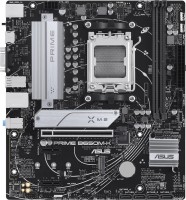
micro-ATX, socket AM5, chipset AMD B650, 2 x DDR5, DIMM, 6400 MHz, USB-C, HDMI, M.2, LAN 2.5 Gbps, M.2 cooling, no backlight
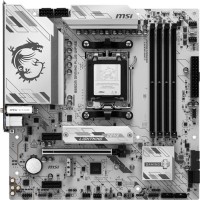
micro-ATX, socket AM5, chipset AMD B850, 4 x DDR5, DIMM, 8200 MHz, USB-C, HDMI, DisplayPort, M.2, LAN 5 Gbps, Wi-Fi, M.2 cooling, no backlight, White Edition
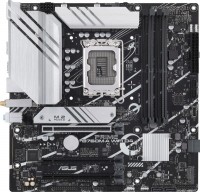
micro-ATX, socket LGA 1700, chipset Intel B760, 4 x DDR4, DIMM, 5333 MHz, USB-C, HDMI, DisplayPort, M.2, LAN 2.5 Gbps, Wi-Fi, M.2 cooling, no backlight
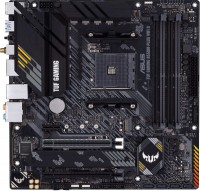
micro-ATX, socket AM4, chipset AMD B550, 4 x DDR4, DIMM, 4866 MHz, USB-C, HDMI, DisplayPort, M.2, LAN 2.5 Gbps, Wi-Fi, M.2 cooling